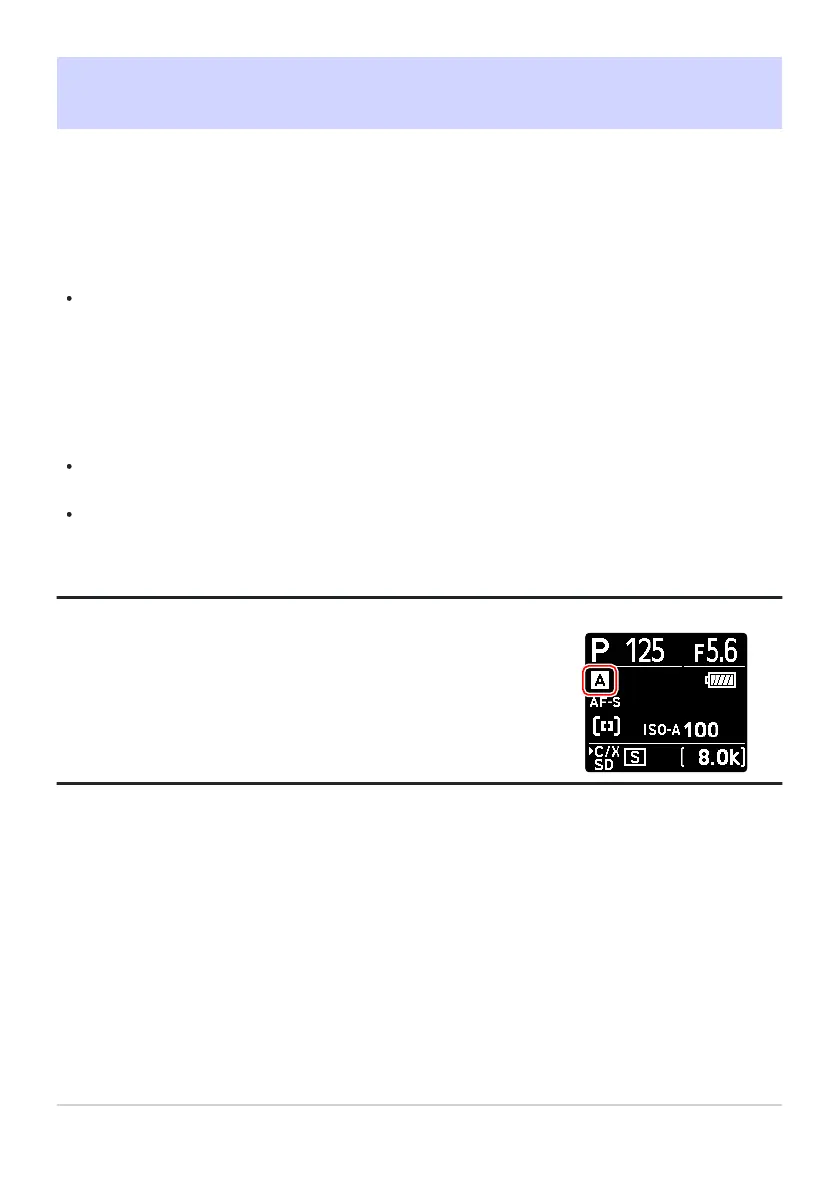
The control panel shows the current menu bank (“A”, “B”, “C”, or
“D”).
Shooting Menu Bank
G buttonU
Cphoto shooting menu
Photo shooting and video recording menu options are stored in one of four banks (banks “A” through
“D”) that can be selected using [Shooting menu bank]. With the exceptions noted below, changes to
settings made while one bank is selected are not applied to the remaining banks.
Changes to the following photo shooting menu settings apply to all banks:
[Extended menu banks]
[White balance] presets
[Multiple exposure]
[Interval timer shooting]
[Time-lapse video]
[Focus shift shooting]
Changes to the following video recording menu setting also apply to all banks:
[Extended menu banks]
Shooting menu banks can also be edited via the [Shooting menu bank] item in the video recording
menu. Changes made in the photo shooting menu apply in the video recording menu and vice
versa.
Tip: Shooting Menu Banks
421
Shooting Menu Bank
-
-
-
-
-
-
-



 To Next Page