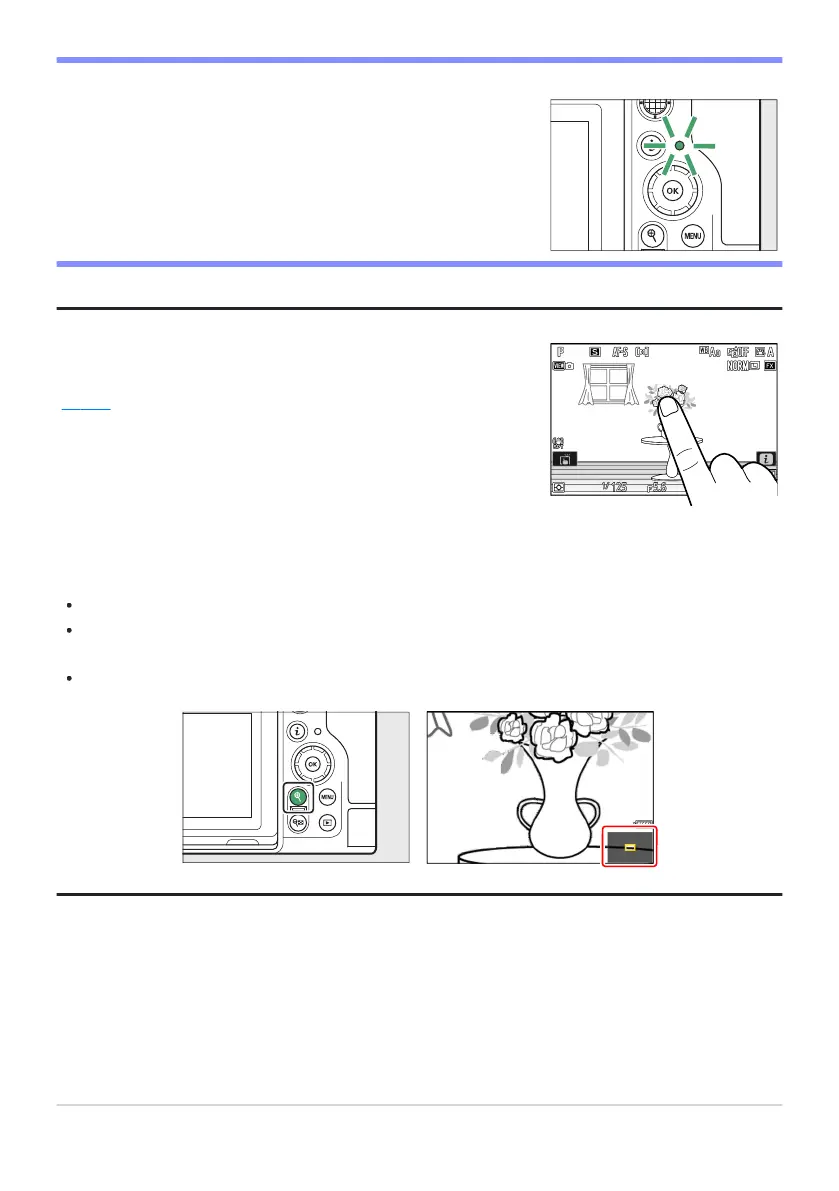
The memory card access lamp will light while the photograph is
being recor
ded. Do not remove the memory card or battery.
You can also take a photograph by touching the monitor. Touch
your subject to focus and lift your finger to release the shutter
(0 115).
D The Memory Car
d Access Lamp
Tip: The Touch Shutter
Tip: Using Zoom in Photo Mode
To zoom in on the display in photo mode (to a maximum of approximately 16×), press the X button.
Use the X and W (Q) buttons to zoom in and out.
A navigation window showing the area currently visible will appear at the bottom right corner of the
display.
Use the multi selector to scroll to areas of the frame not visible in the monitor.
91
Taking Photographs



 To Next Page