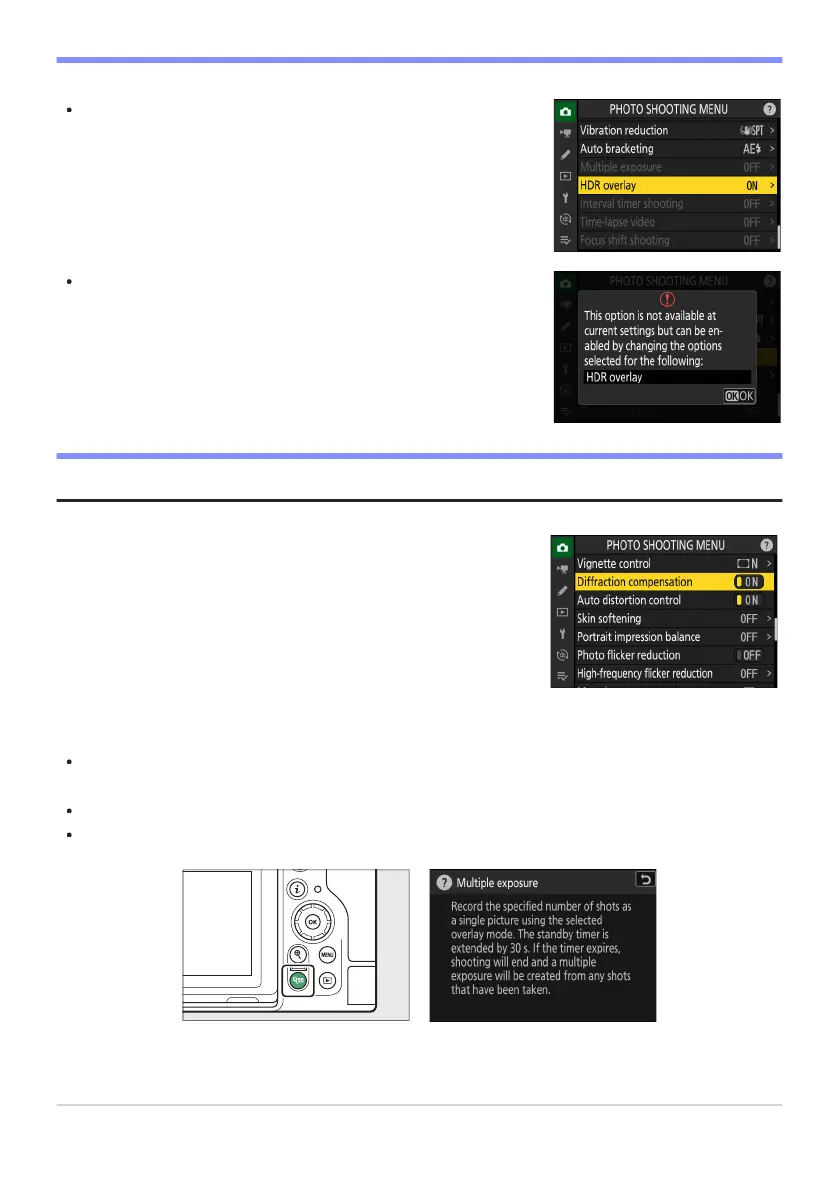
Some items and menu options may be unavailable depending on
camera status. Unavailable it
ems are displayed in gray.
In some cases, pressing J when a grayed-out it
em is highlighted
will display a message explaining why the item is unavailable.
If the only options available for the current item are [ON] and [OFF],
you can switch from [ON] to [OFF] or vice versasimply by pressing
J, pressing the multi selector right (2), or tapping the item in the
display.
D Grayed-Out Items
Tip: ON/OFF Only It
ems
Tip: The d (Help) Icon
Where available, a description of the currently-selected item can be viewed by pressing the W (Q)
button.
Press 1 or 3 to scroll.
Press W (Q) again to return to the menus.
66
The MENU Button



 To Next Page