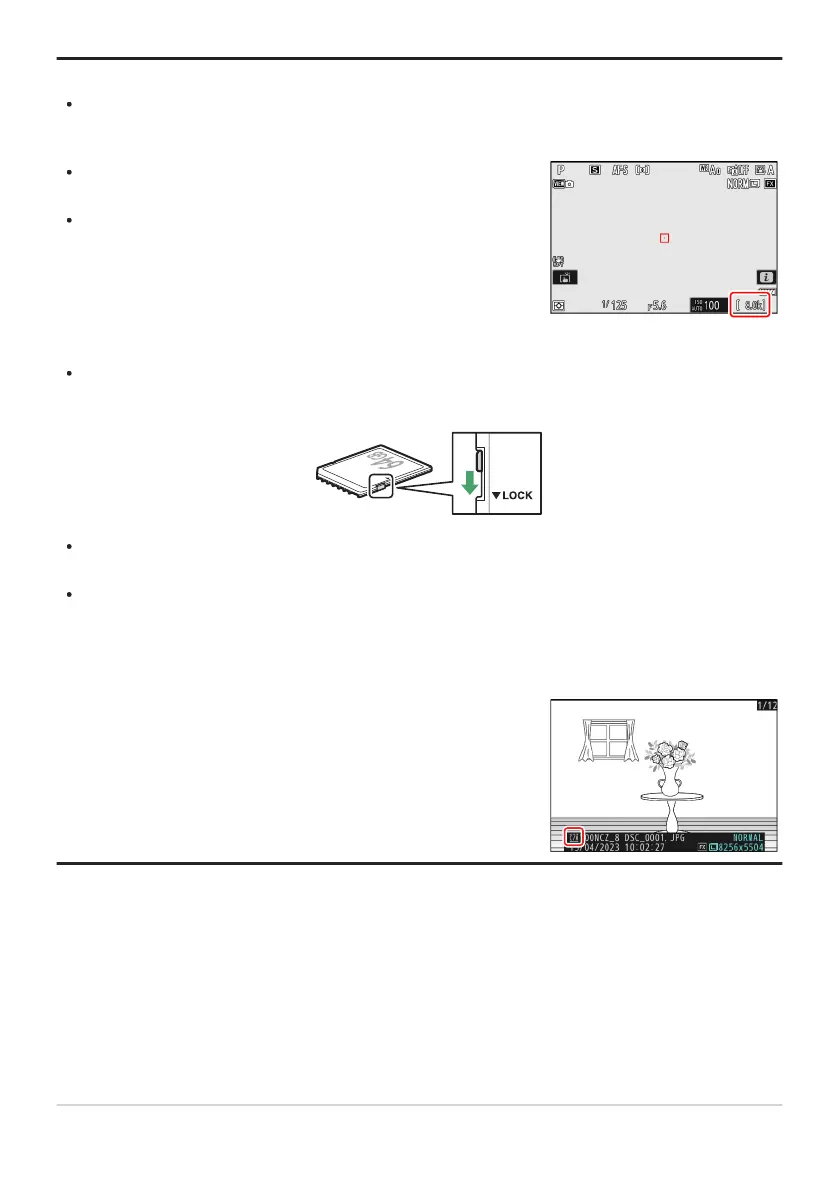
Values over 1000 are rounded down to the nearest hundred. For
example, values betw
een 8000 and 8099 are shown as 8.0k.
If no memory cards are inserted, an [–E–] indicator will be
displayed.
The location of the current picture is shown by an icon at the
bott
om lef
t corner of the playback display.
Tip: Number of Exposures Remaining
The shooting display and control p
anel show the number of photographs that can be taken at
current settings.
Tip: The Write Protect Switch
SD memory cards are equipped with a write-protect switch. Sliding the switch to the “lock” position
write-protects the card, protecting the data it contains.
A “– – –” indicator and a [Car
d
] warning appear in the shooting display when a write-protected card
is inserted.
If you attempt to release the shutter while a write-protected card is inserted, a warning will be
displayed and no picture will be recorded. Unlock the memory card before attempting to take or
delete pictures.
Tip: Slot Icons
83
Inserting Memory Cards



 To Next Page