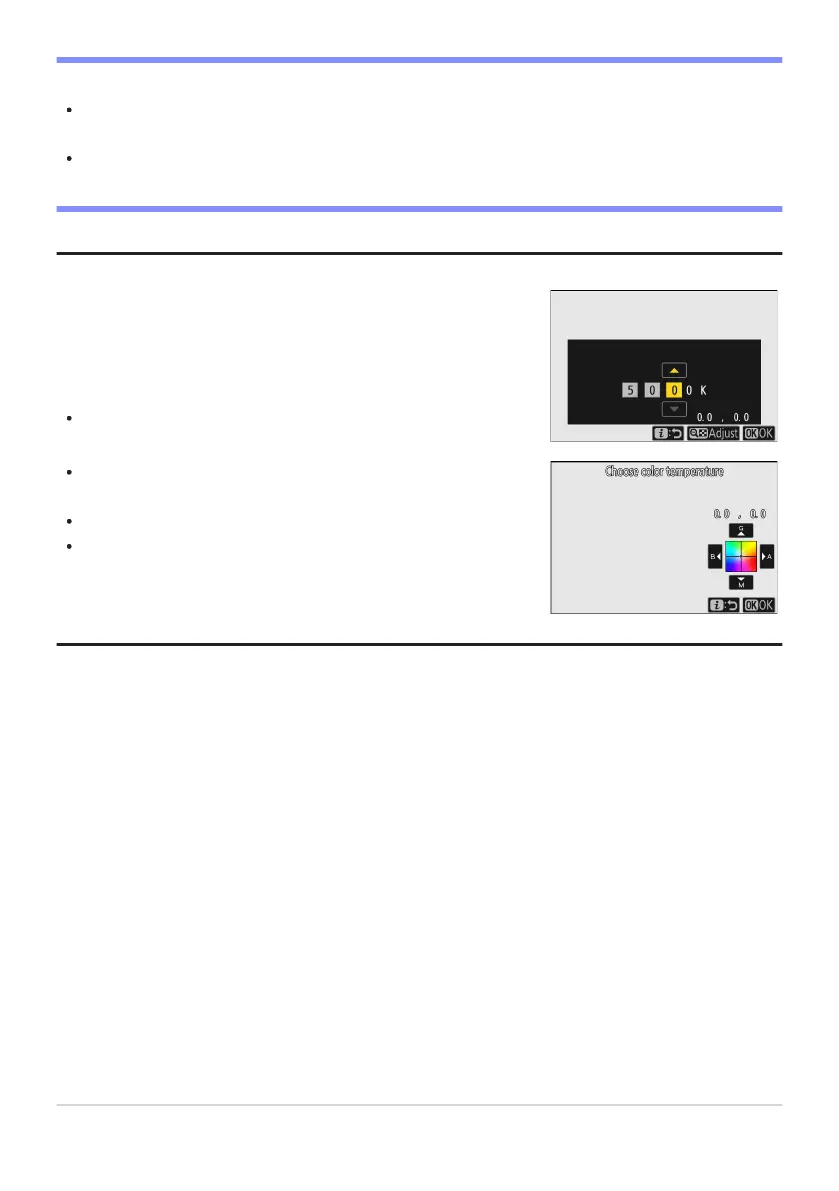
Pressing J when [White balance] is highlighted in the i menu
displays a list of white balance options. When K[Choose color
temperature] is highlighted, color temperature options can be
viewed by pressing 3.
Press 4 or 2 to highlight digits and press 1 or 3 to change.
To fine-tune the currently-selected value, press the W (
Q)
button.
Press J to save changes and return to the i menu.
If color temperature has been fine-tuned, an asterisk (“U”) will
appear in the white balance icon.
D Cautions: Color-T
emperature Selection
Do not use color-temperature selection with fluorescent light sources; instead, use the
I[Fluorescent] option.
When using color-temperature selection with other light sources, take a test shot to determine if the
selected value is appropriate.
Tip: The i Menu
155
White Balance



 To Next Page