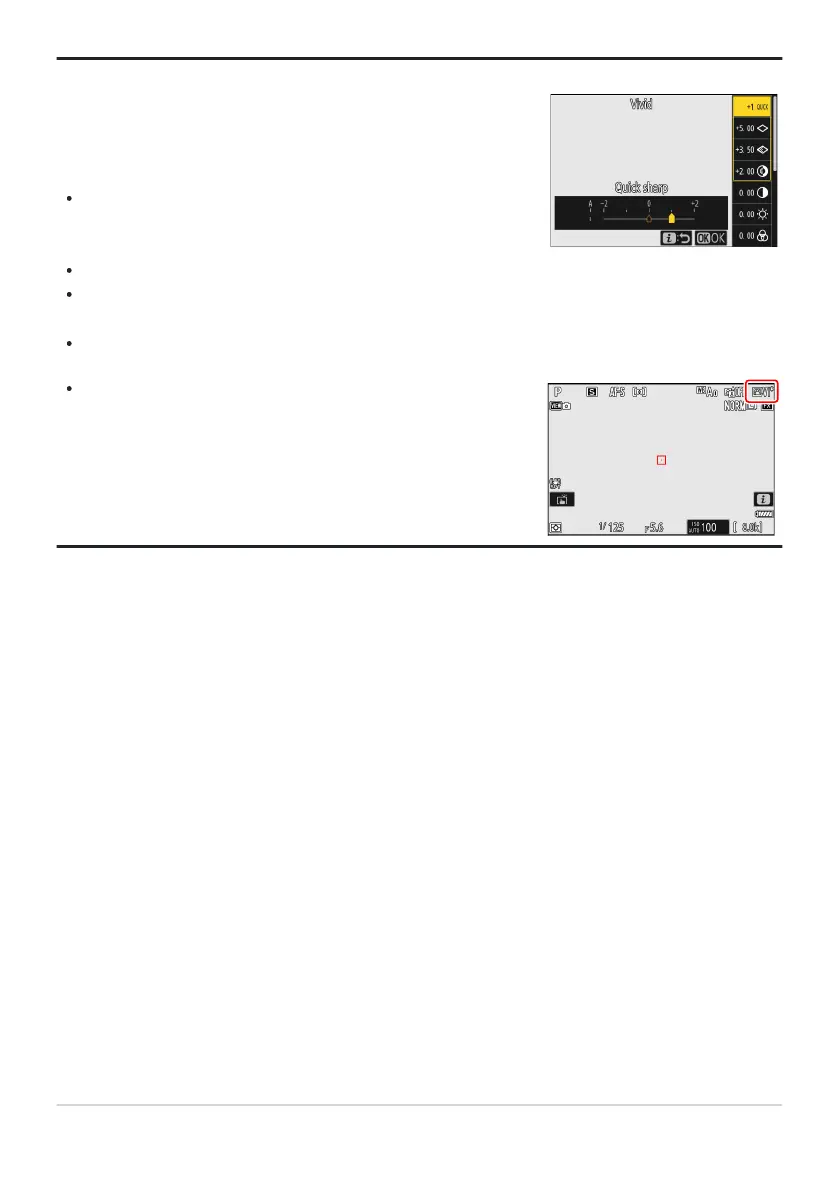
Highlighting [Set Picture Contr
ol] in the imenu and pressing J
displays a Picture Control list. Highlight a Picture Control and press
3 to edit settings while previewing the effect in the display.
Press 1 or 3 to highlight settings. Press 4 or 2 to choose
a value in increments of 1, or rotate the sub-command dial to
choose a value in increments of 0.25.
The options available vary with the Picture Control selected.
To abandon any changes and start over from default settings,
press the O (Q) button.
Press J to save changes.
Picture Controls that have been modified from default settings
ar
e indicat
ed by an asterisk (“U”).
Tip: The i Menu
180
Picture Controls



 To Next Page