En_02
37Camera Setup
4
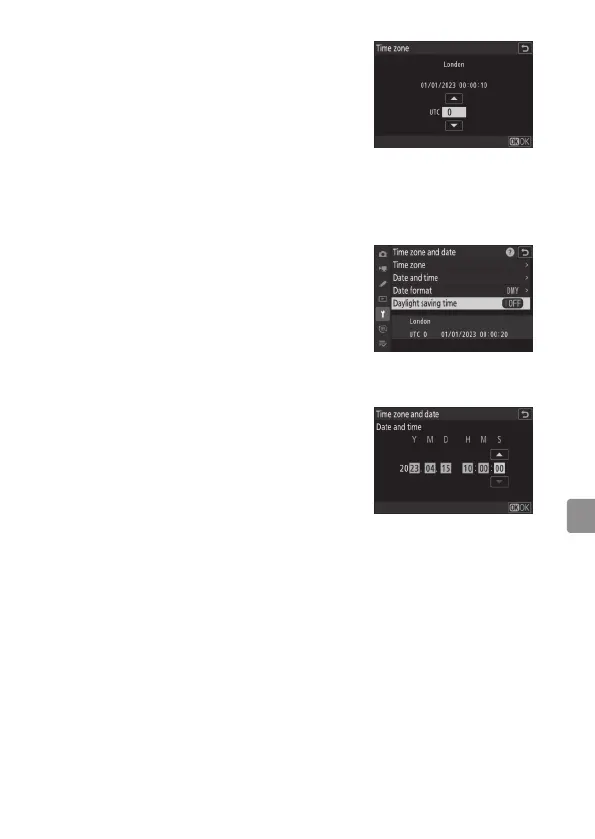
Choose a time zone.
• Select [Time zone] in the [Time zone
and date] display.
• The display lists selected cities in
the chosen zone and the difference
between the time in the chosen zone
and UTC.
• Highlight a time zone in the [Time
zone] display and press J.
5
Turn daylight saving time on or off.
• Select [Daylight saving time] in the
[Time zone and date] display.
• Select [ON] (daylight saving time on)
or [OFF] (daylight saving time off).
• Selecting [ON] advances the clock one
hour; to undo the effect, select [OFF].
6
Set the clock.
• Select [Date and time] in the [Time
zone and date] display.
• Press J after using the multi selector
to set the clock to the date and time
in the selected time zone in the [Date
and time] display (note that the
camera uses a 24-hour clock).



 To Next Page