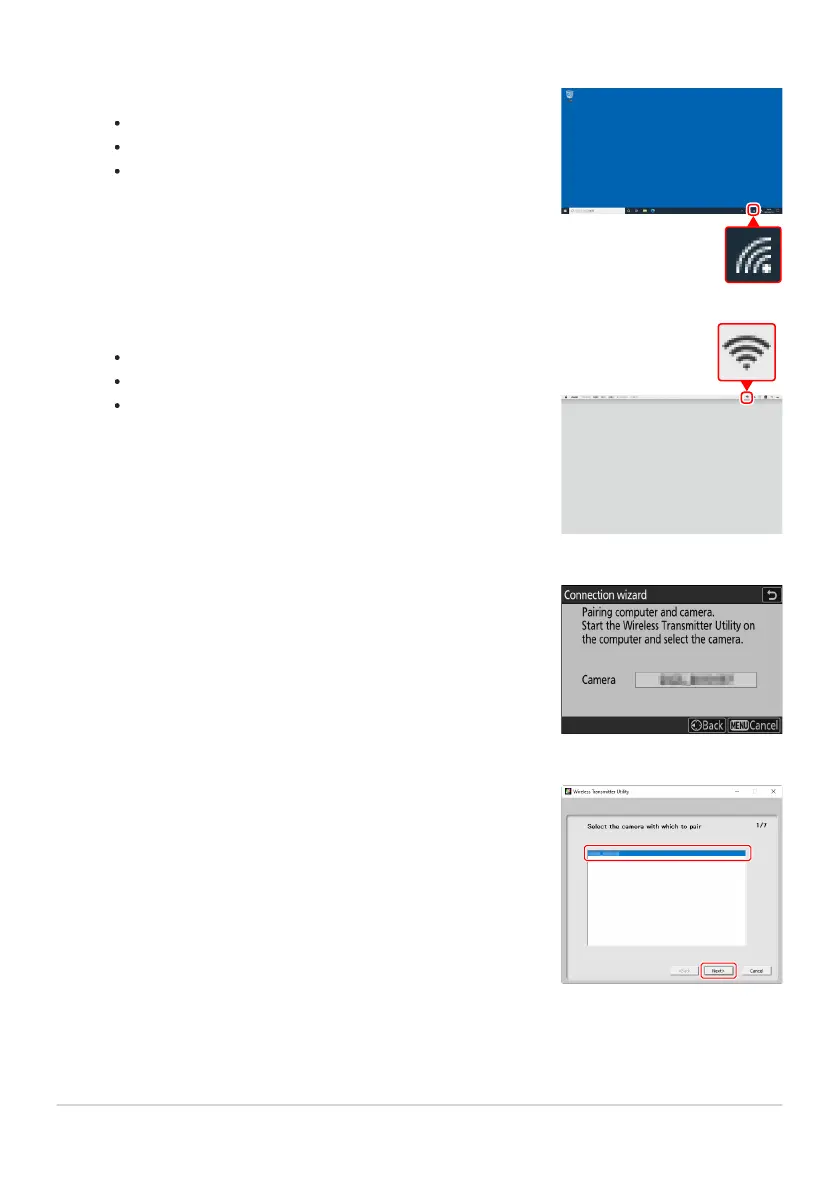
Windows:
Click the wireless L
AN icon in the taskbar.
Select the SSID displayed by the camera in Step4.
When prompted to enter the network security key, enter
the encryption key displayed by the camera in Step4. The
computer will initiate a connection to the camera.
macOS:
Click the wireless L
AN icon in the menu bar.
Select the SSID displayed by the camera in Step4.
When prompted to enter the network security key, enter
the encryption key displayed by the camera in Step4. The
computer will initiate a connection to the camera.
Start pairing.
When prompt
ed, launch the Wireless Transmitter Utility on the
computer.
Select the camera in the Wireless Transmitter Utility.
Select the name displayed by the camera in S
tep6 and click
[Next].
Establish a connection to the camera.
317
Computers: Connecting via Wireless LAN
5
6
7



 To Next Page