En_02
44 Recording Videos
• The camera can be refocused during recording by pressing the
AF‑ON button.
• Sound is recorded via the built-in microphone. Do not cover the
microphone during recording.
• You can also focus by tapping your subject in the monitor.
3
Press the video‑record button again to end recording.
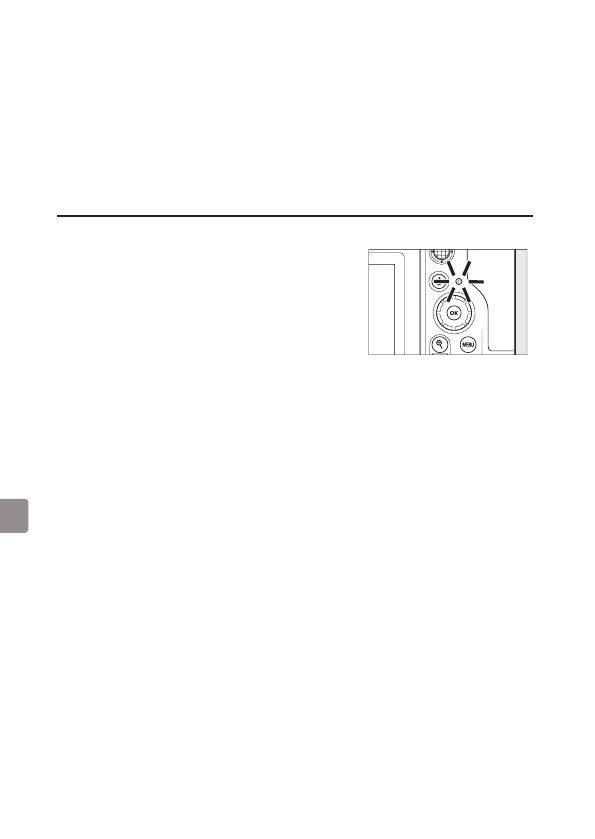
D The Memory Card Access Lamp
The memory card access lamp will light while
the video is being recorded. Do not remove
the memory card or battery.
D The 0 Icon
A 0 icon indicates that videos cannot be recorded.



 To Next Page