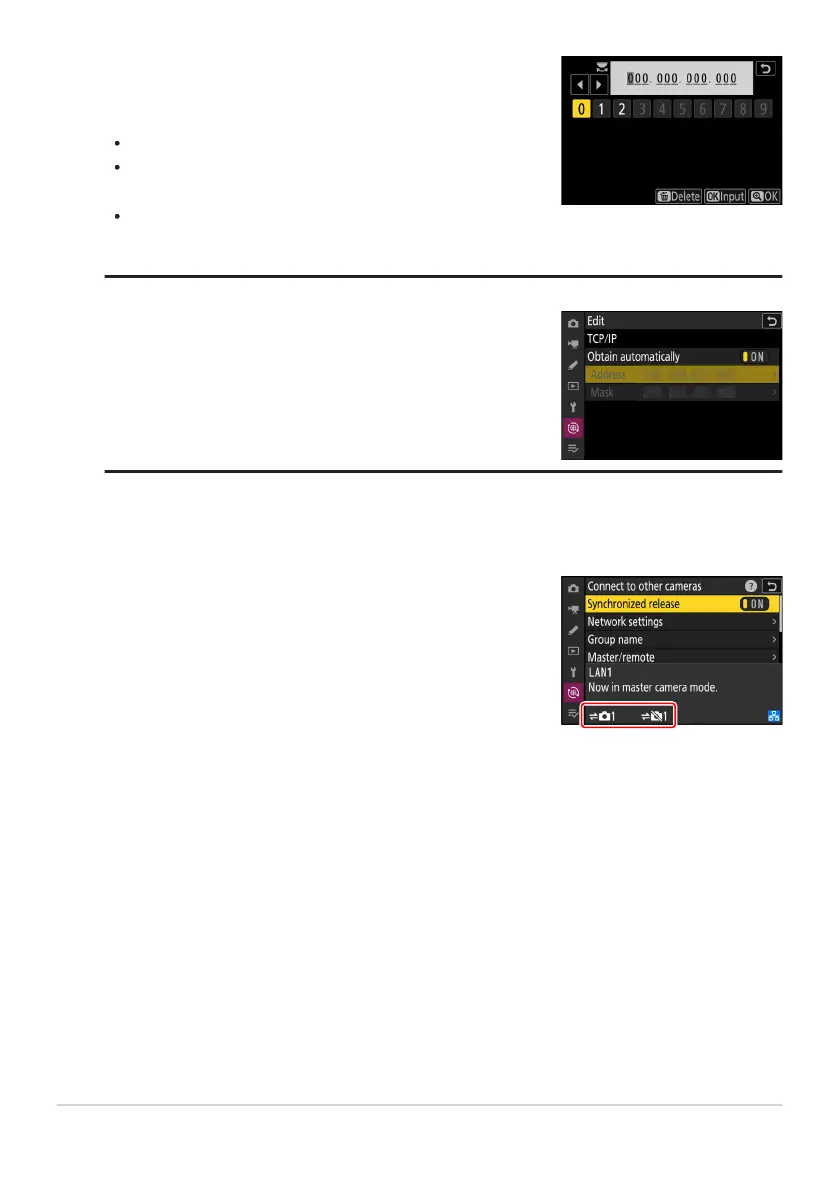
Enter the remote camera IP address.
Enter the r
emote camera IP address you noted in Step6.
Rotate the main command dial to highlight segments.
Press 4 or 2 to change the highlighted segment and press
J to save changes.
Press X to add the remote camera to the master camera
remote camera list and establish a connection.
To view a remote camera’s IP address, select [Connect to other
cameras
]> [Network settings] in the camera’s network menu,
highlight a synchronized release host profile, press 2, and
select [TCP/IP].
The master camera shows the number of cameras in the group
currently connect
ed or not connected.
Tip: Viewing Remote Camera IP Addresses
Add the remaining r
emote cameras.
383
Synchronized Release
14
15



 To Next Page