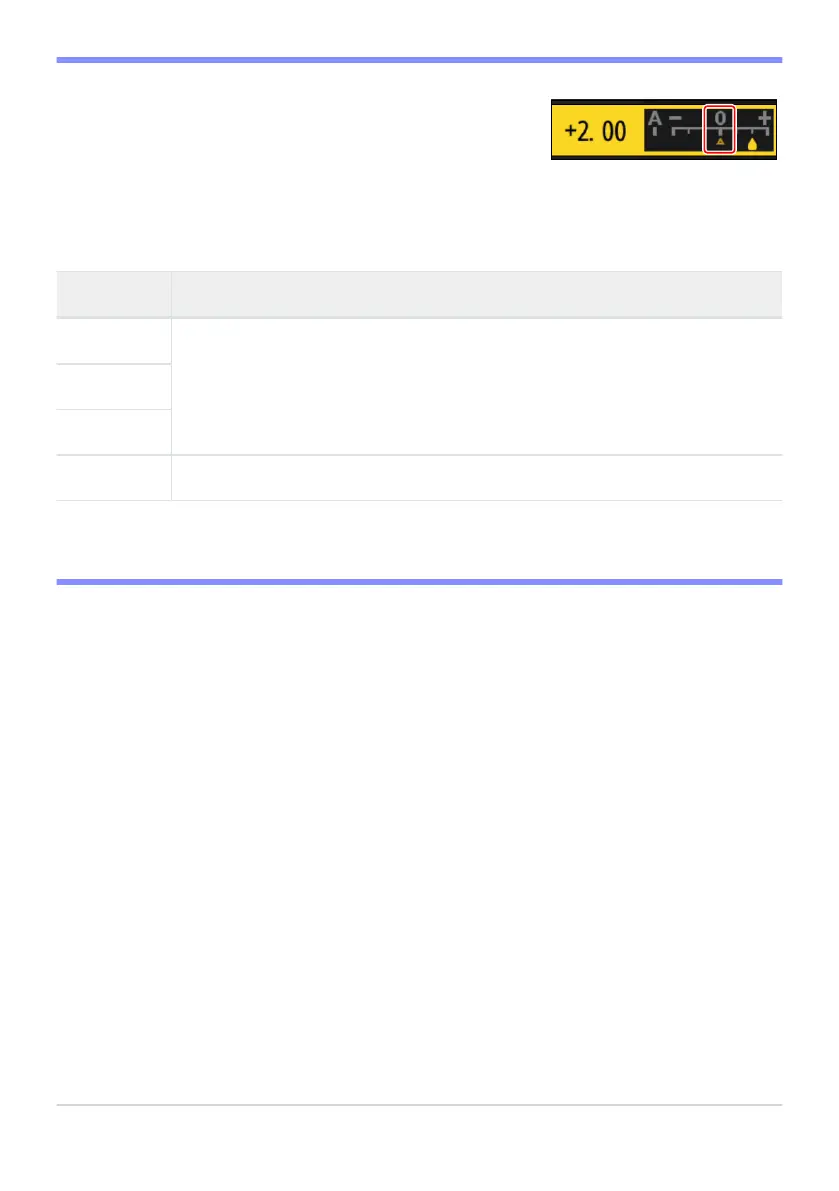
The j indicator under the v
alue display in the Picture Control
setting menu indicates the previous value for the setting.
D The j Indicator
D “Filt
er Effects”
Choose from the following [Filter effects]:
Option Description
[Y] (yellow)
*
These options enhance contrast and can be used t
o tone down the brightness of
the sky in landscape photographs. Orange [O] produces more contrast than yellow
[Y], red [R] more contrast than orange.
[O] (orange)
*
[R] (red)
*
[G] (green)
*
Green softens skin tones. Use for portraits and the like.
The term in parentheses is the name of the corresponding third-party color filter for black-and-
white photography.
445
Set Picture Control (HLG)
*



 To Next Page