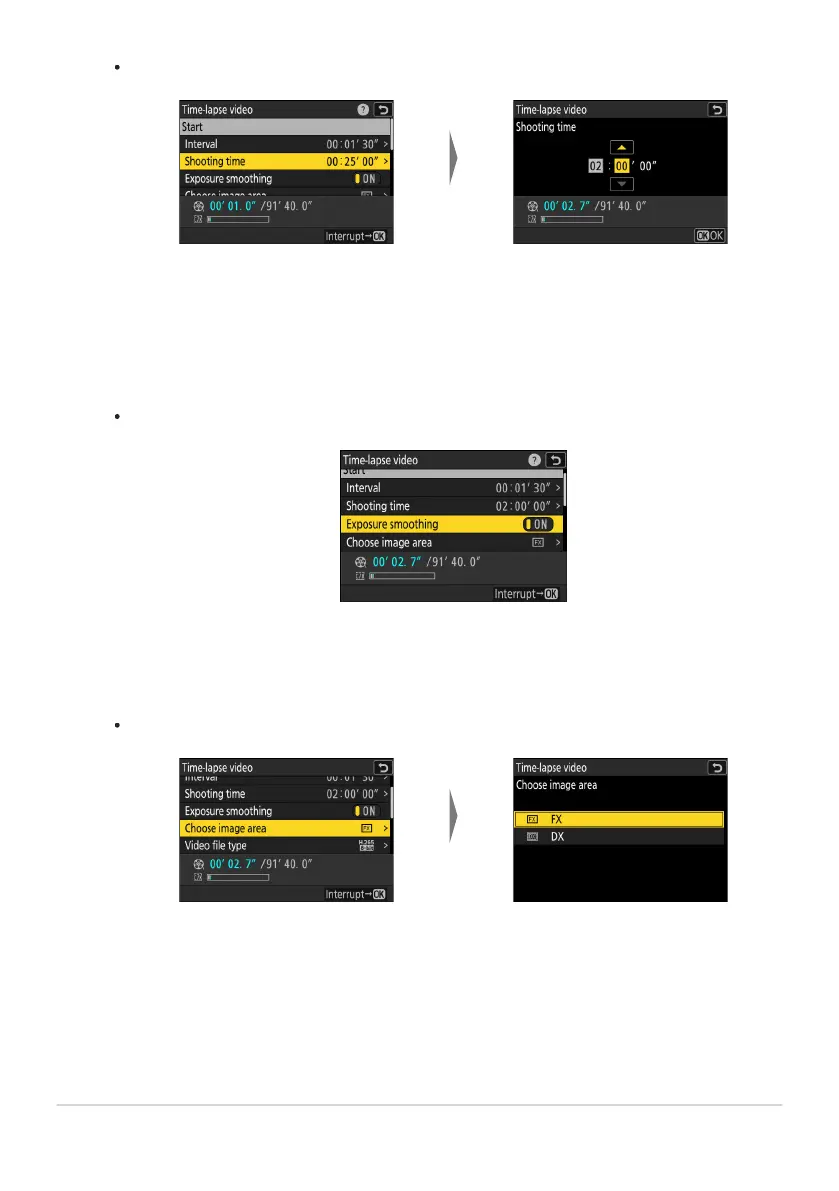
Highlight [Shooting time]
and press 2
.
Choose a shooting time (in
hours and minut
es) and press
J.
Highlight [Choose image
area
] and press 2.
Highlight an option and press
J.
Choose the total shooting time.
The maximum shooting time is 23 hours and 59 minut
es.
Enable or disable exposure smoothing.
Highlight [Exposure smoothing] and pr
ess 2 to select [ON] or [OFF].
Selecting [ON] smooths abrupt changes in exposure.
Choose the image area.
496
Time-Lapse Video
-
-



 To Next Page