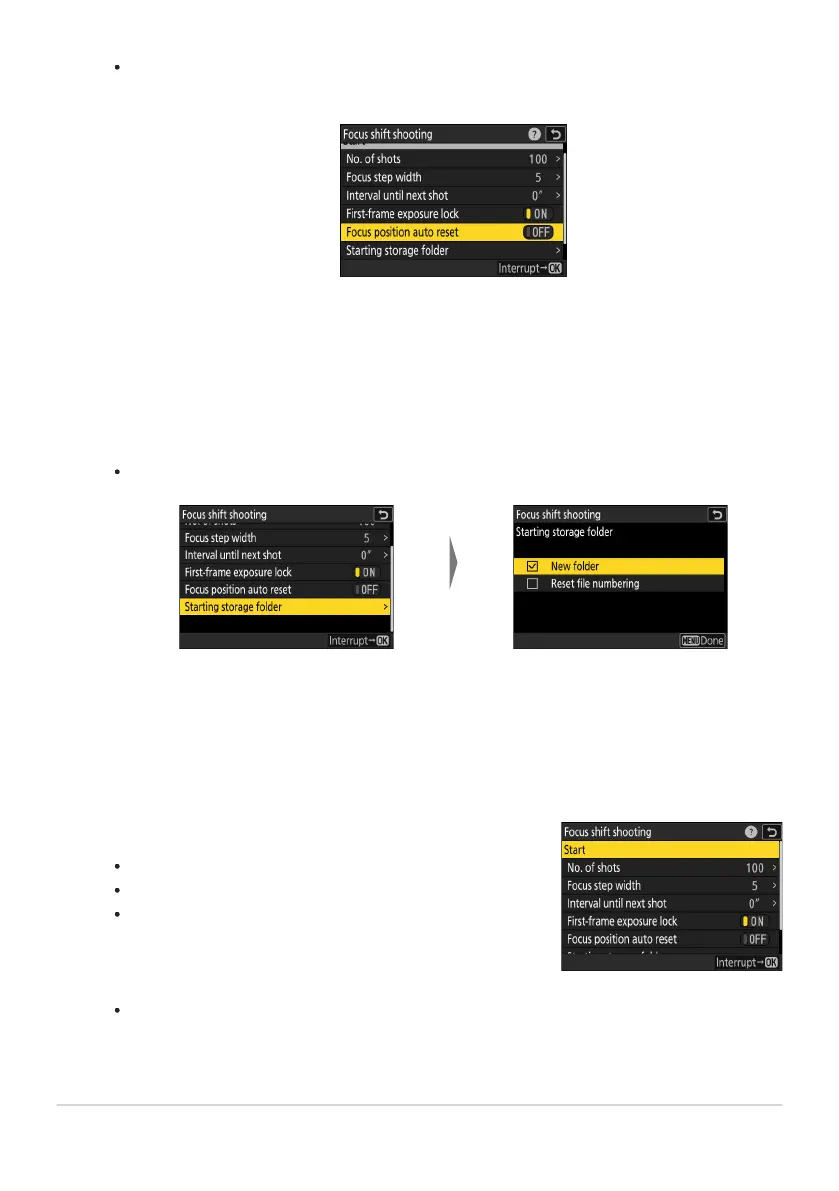
Highlight [S
tar
ting storage
folder] and press 2.
After highlighting the desired
options and pr
essing
J to
turn them on (M) or off (U),
press 4.
Highlight [Start] and press J.
Shooting star
ts af
ter about 3s.
The display turns off during shooting.
The camera takes photographs at the selected interval,
starting at the focus distance selected at the start of
shooting and progressing out toward infinity by the selected
focus step distance with each shot.
Shooting ends when the selected number of shots has been
taken or focus reaches infinity.
Choose whether the focus position returns to the starting position at the end of each
sequence.
Highlight [Focus position aut
o r
eset] and press 2 to select [ON] or [OFF]
We recommend selecting [ON] when using focus shift to photograph subjects at the same
focus distance multiple times in succession.
If [OFF] is selected, focus will remain fixed at the position for the final shot in the
sequence.
Choose starting folder options.
506
Focus Shift Shooting
-
-
4



 To Next Page