Press the button you intend to use for recall of the focus
position saved in S
tep4.
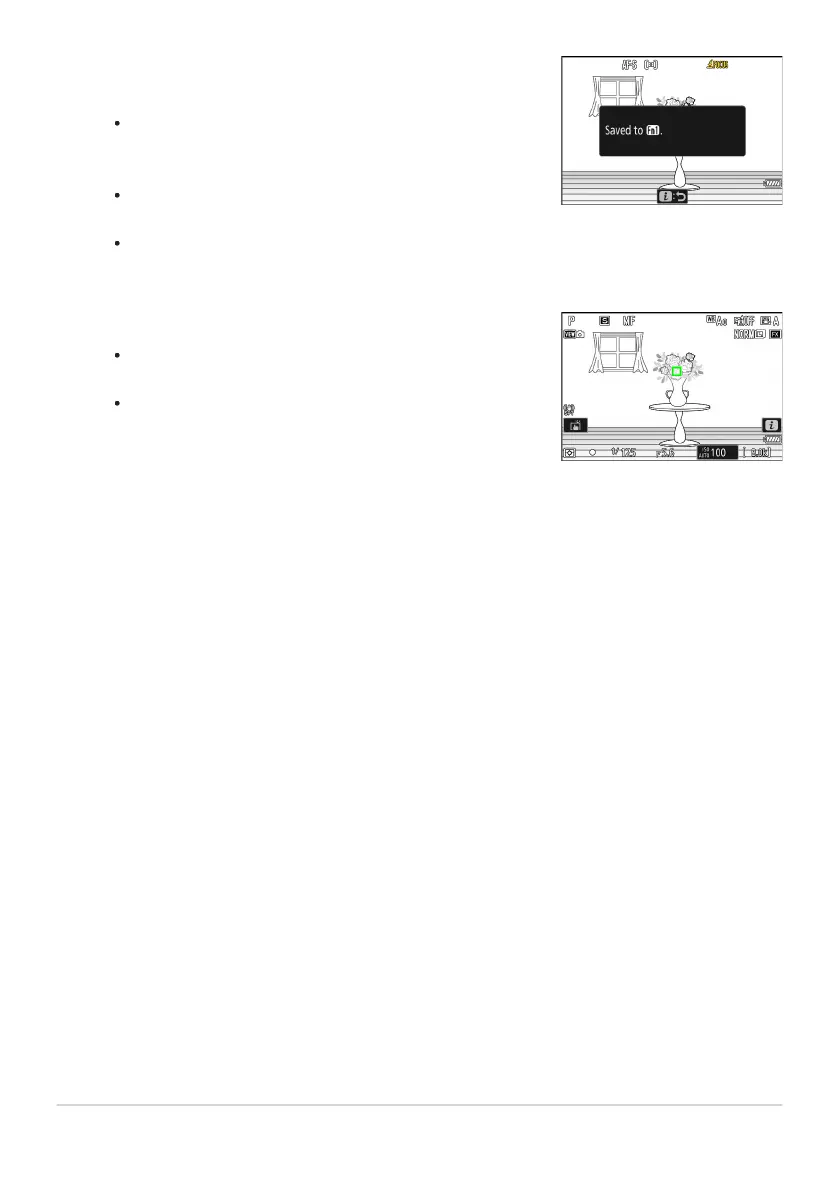
Of the controls to which [Recall focus position] was
assigned in Step1, press the control you intend to use for
recall of the focus position saved in Step4.
A message will appear in the shooting display if the
operation is successful.
Repeat Steps4 to 5 to save additional focus positions to the
other controls to which [Recall focus position] is assigned.
Press the control for the desired focus position.
The focus position saved t
o the control in question will be
restored.
Holding a control to which [Recall focus position] is
assigned activates manual focus (MF), and the camera will
not refocus if the shutter-release button is pressed halfway
while the control is pressed.
640
f2: Custom Controls (Shooting)
5
6



 To Next Page