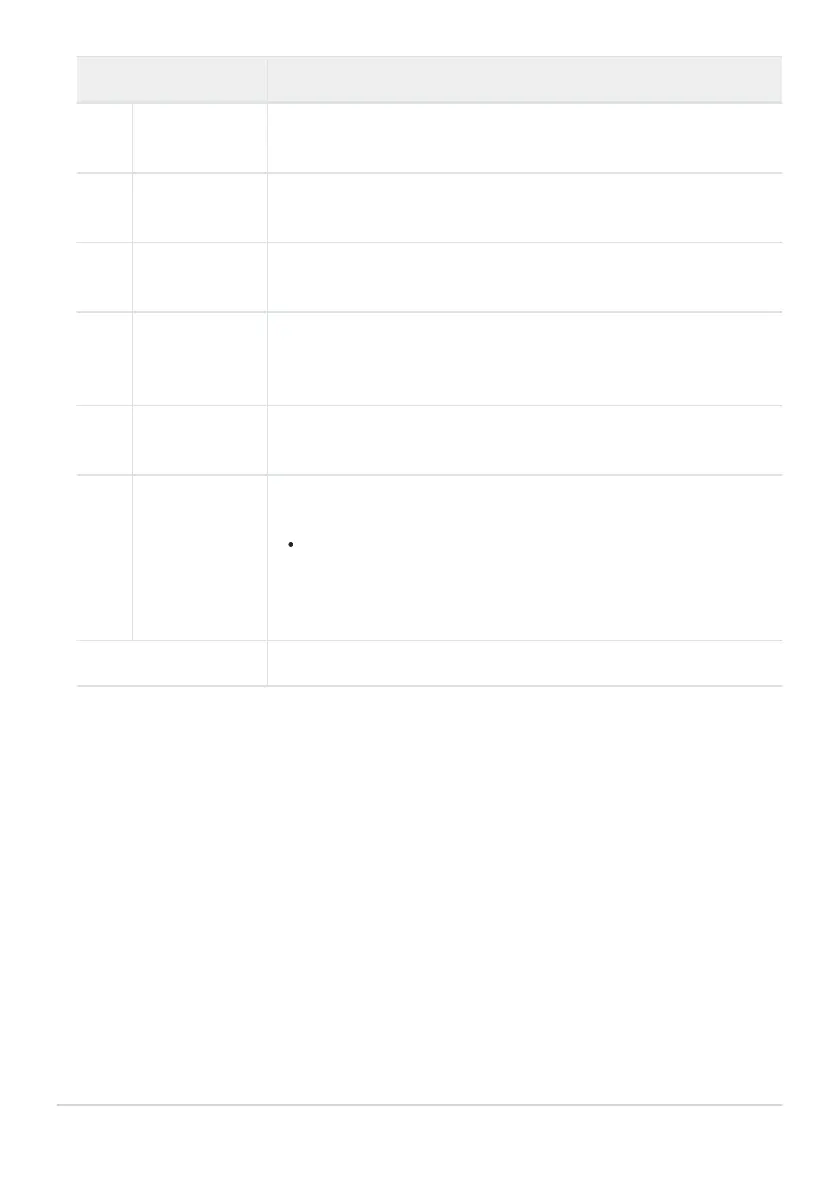
Role Description
n
[Thumbnail
on/off]
Pr
ess the control to toggle between full-frame and 4-, 9-, or 72-frame
thumbnail playback.
o
[View
histograms]
A histogram is displayed while the control is pressed. The histogram
display is available in both full-frame and thumbnail playback.
W
[Choose slot
and folder]
Press the control to display the [Choose slot and folder] dialog,
where you can then choose a slot and folder for playback.
M
[Cycle info
display]
Press the control to cycle the photo information display during full-
frame playback. The pages available can be chosen using [Playback
display options] in the playback menu.
P
[Resume
shooting]
Press the control to end playback and return to shooting mode.
c
[Rating]
To rate the current picture in playback mode, press the control and
rotate the main command dial.
To display rating options, highlight [Rating] and press 2. If an
option other than [None] is selected, the chosen rating can be
assigned to pictures simply by pressing the selected control.
Pressing the control again selects a “no star” rating.
[None] The control has no effect.
643
f3: Custom Controls (Playback)



 To Next Page