8.
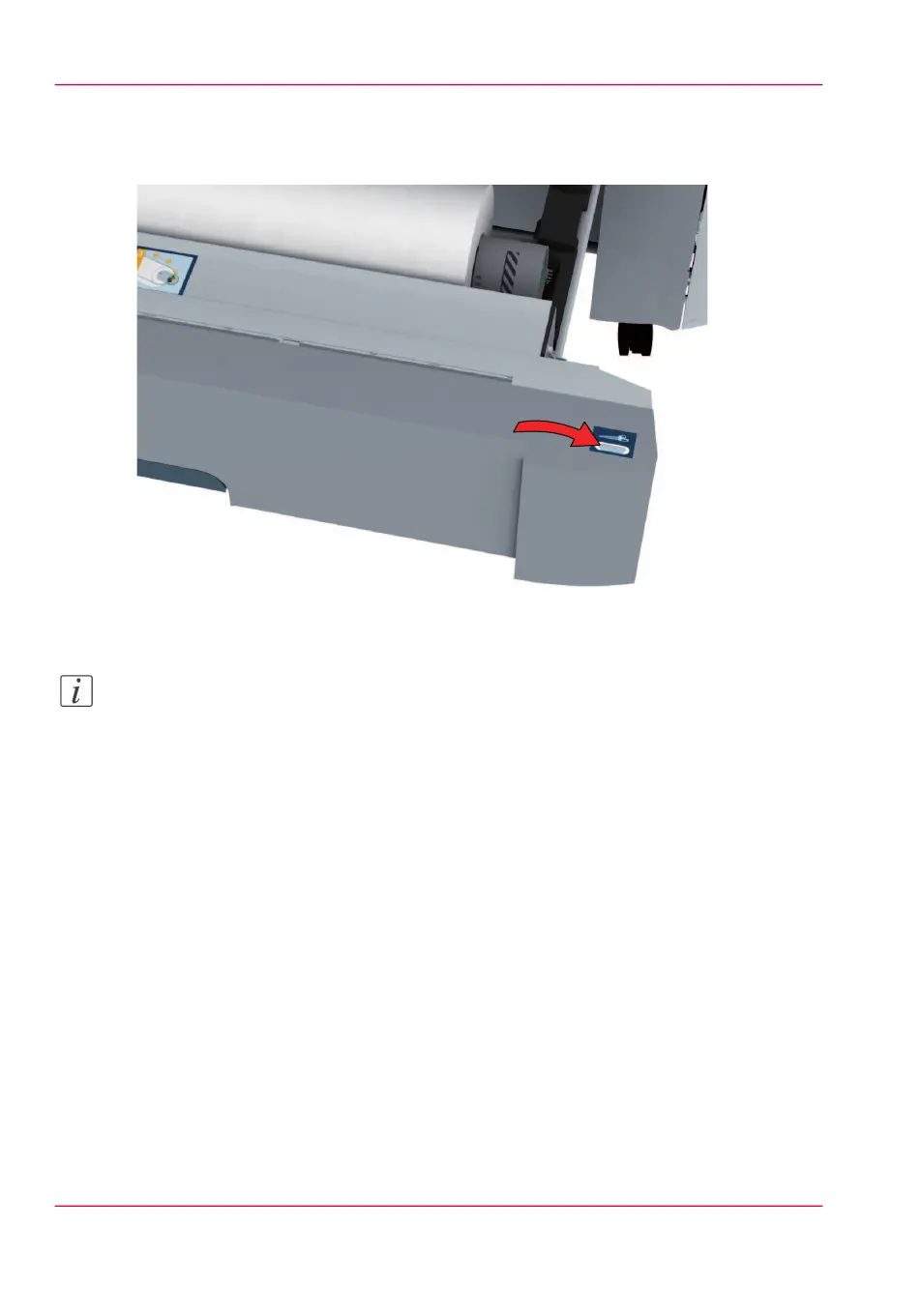
If necessary, press the clean cut button to trim a strip of the new media roll. Press once
for a strip of approximately 20 cm or hold the button and release it when the strip has
the desired length.
9.
Close the media drawer.
Note:
Do not open the 'Media drawer' during loading.
10.
The user panel displays the message 'New media detected on roll 1' or 'New media de-
tected on roll 2'. Follow the steps in the wizard to define the correct media type. The
media size is detected automatically.
Chapter 6 - Maintain the printing system302
Load a media roll (position 1)



 To Next Page