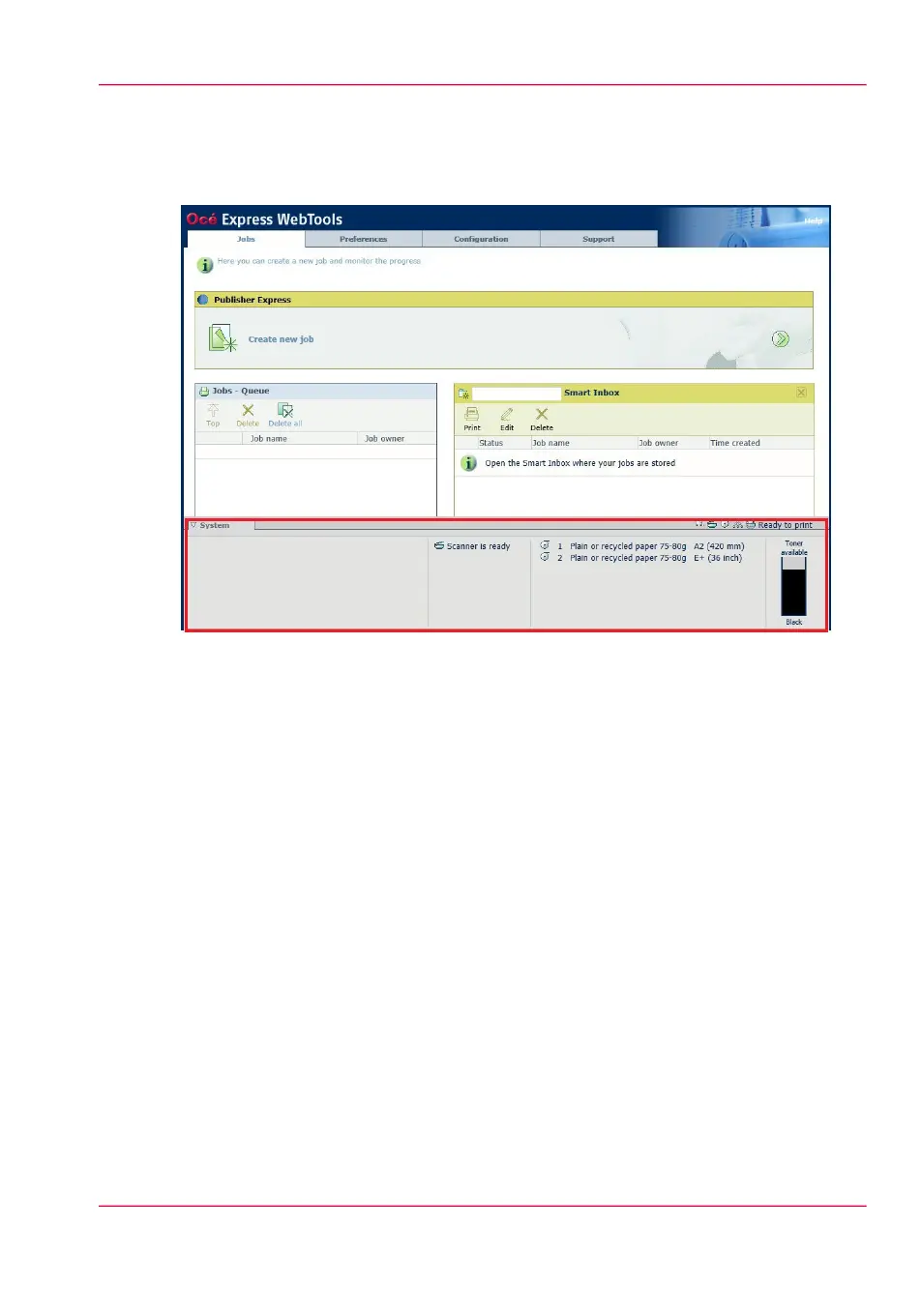
The 'System' tab
Illustration
The 'System' tab
Your remote view on the system.
This tab can be accessed by any user.
The 'System' tab is visible on all pages at the bottom of the page. When you click on the
'System' tab in the lower left corner of the screen, the system monitor pops-up.
Monitoring:
•
The toner status.
•
The available media on the printer.
•
The system status (for example 'Printer paused', 'Ready to print', 'Sleeping...').
•
The active job.
Chapter 4 - Define your workflow with the Océ Express WebTools 109
The 'System' tab



 To Next Page