3.
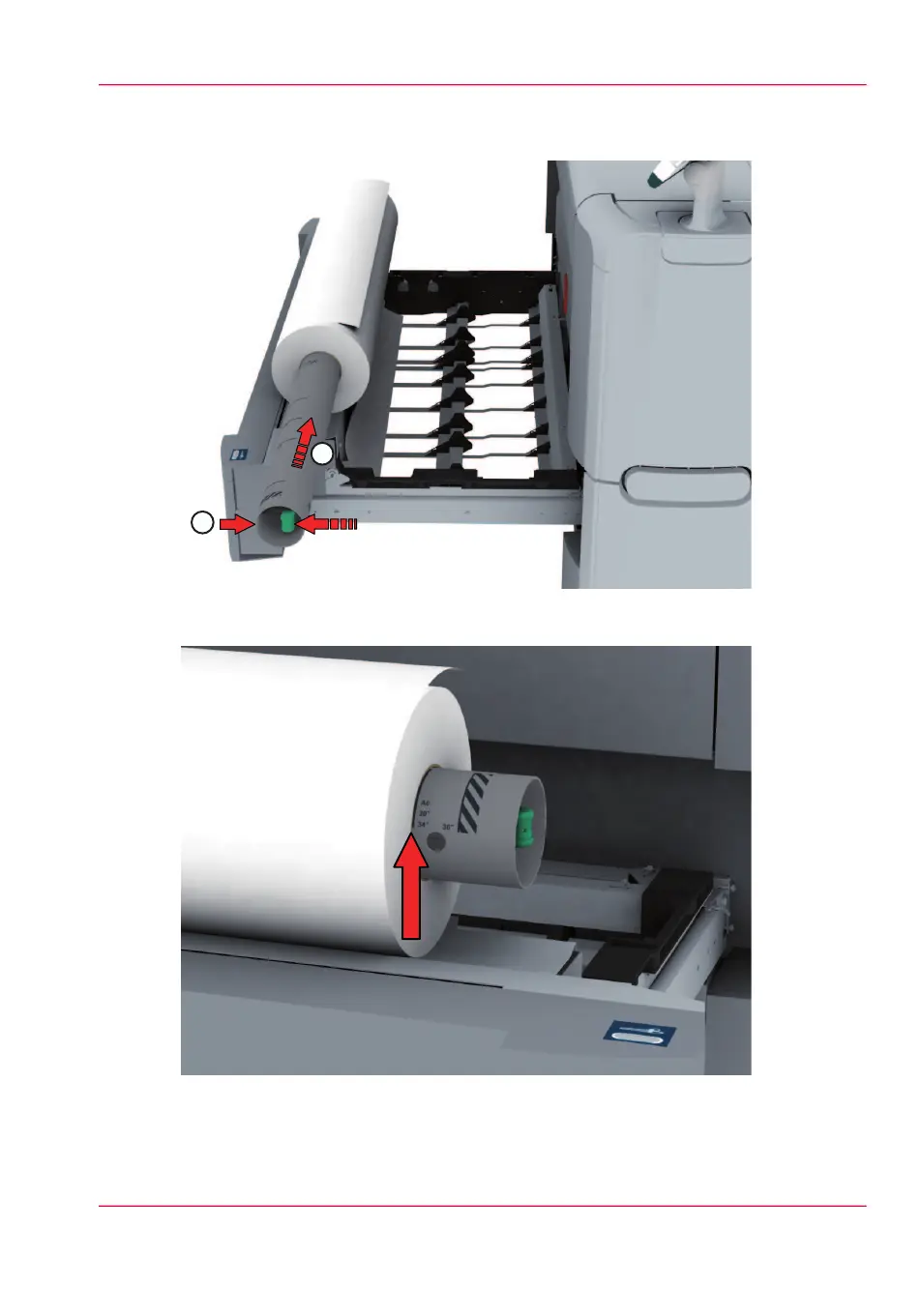
Pull the handle of the roll holder locking mechanism towards you (1) and slide (2) the
roll holder into the right side of the core of the new media roll.
4.
Align the roll with the center of the correct size indicator on the roll holder and release
the handle of the locking mechanism.
Chapter 6 - Maintain the printing system 305
Load a media roll (position 2)



 To Next Page