6-59
Note When the S-curve characteristic time is set, the acceleration and deceleration times will be
lengthened as follows:
Acceleration
time = Selected acceleration time + (S-curve at beginning of acceleration +
S-curve
at end of acceleration) / 2
Deceleration
time =
Selected deceleration time + (S-curve at beginning of deceleration + S-curve
at end of deceleration) / 2
H Setting Motor Slip Compensation (C3)
• The
motor slip compensation function calculates the motor
torque according to the output current, and
sets gain to compensate for output frequency.
• This
function is used to improve speed accuracy when operating with
a load. It is mainly ef
fective with
V/f control (without PG).
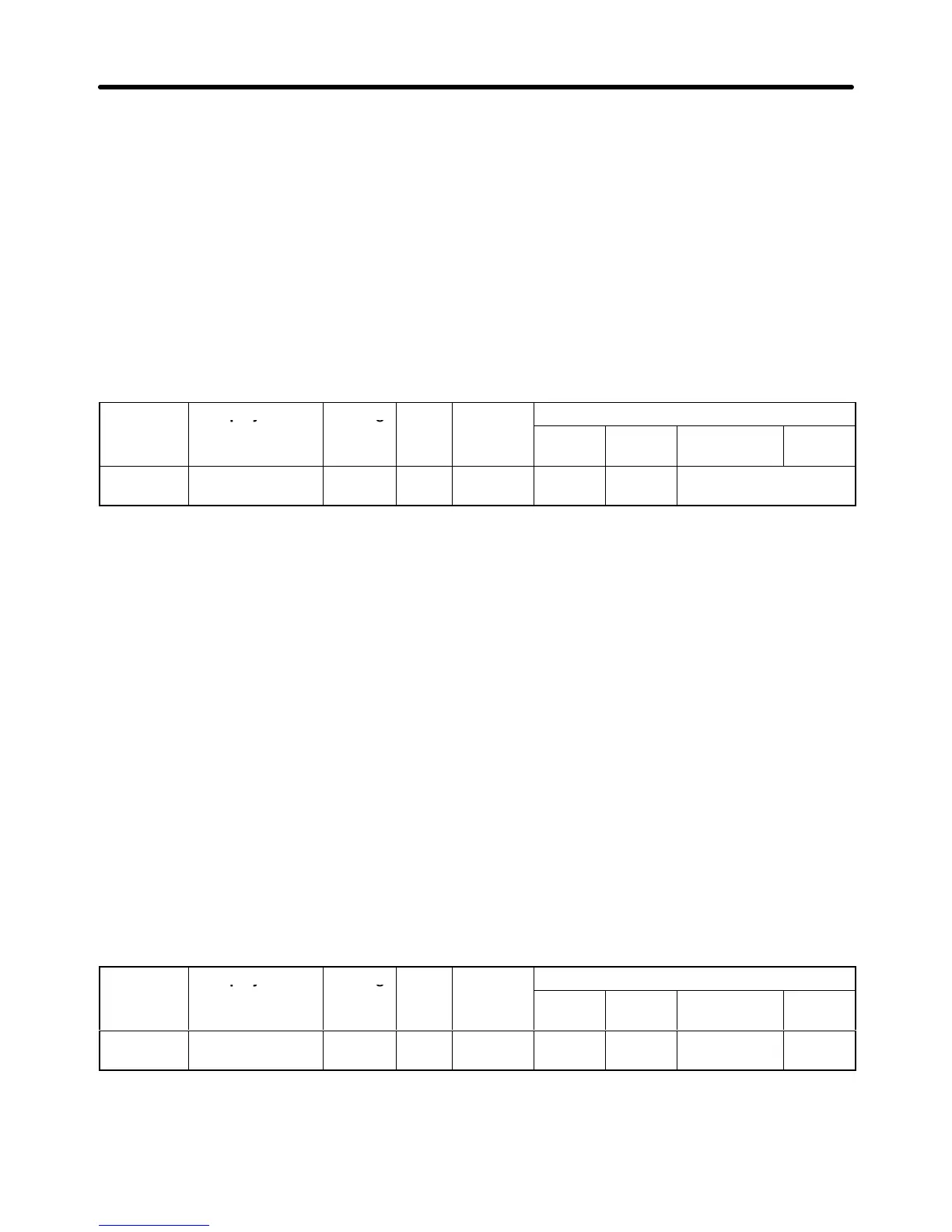
Parameter Display name Setting Units Default
Valid access levels
number
range setting
V/f
Control
V/f with
PG
Open Loop
Vector
Flux
Vector
C3-01 Slip Come Gain 0.0 to
2.5
Multi-
ple
1.0 (See
note.)
Basic or
Adv.
___ Basic or Advanced
This parameter can be changed during operation.
Note When the control mode is switched, the factory default setting changes as follows:
V/f control: 0.0; V/f with PG: 1.0; open-loop vector 0; flux vector: 1.0
When “1.0” is set, this function compensates for the rated slip that has been set, by the rated torque
output.
With flux vector control, this becomes the gain to compensate for slip caused by motor temperature
variation. (Refer to page 6-34.)
Motor Slip Compensation Gain Adjustment Procedure
1. Correctly set the motor rated slip (parameter E2-02) and the motor no-load current (parameter
E2-03).
The motor rated slip can be calculated by means
of the following equation, using the num
-
bers that are shown on the motor’s nameplate.
Motor rated slip = Motor rated frequency (Hz) – rated speed (r/min) x motor (No. of poles) / 120
(With vector control, the motor rated slip is automatically set by auto-tuning.
2. Set
the slip compensation gain (parameter C3-01 to “1.0.” (If it is set to “0.0,” slip compensation
will
be disabled.)
3. Operate
with a load, measure the speed, and adjust the slip compensation gain (in increments of
0.1).
If the speed is lower than the target value, increase the slip compensation gain. If the speed is
higher than the target value, decrease the slip compensation gain.
Parameter Display name Setting Units Default
Valid access levels
number
range setting
V/f
Control
V/f with
PG
Open Loop
Vector
Flux
Vector
C3-02 Slip Come Time 0 to
10000
ms 200 (See
note.)
Adv. --- Advanced ---
This parameter cannot be changed during operation.
Note When the control mode is switched, the values change as follows:
V/f control: 2,000; open-loop vector: 200
Advanced Operation Chapter
6












 To Next Page