1: Introduction Additional Features
8
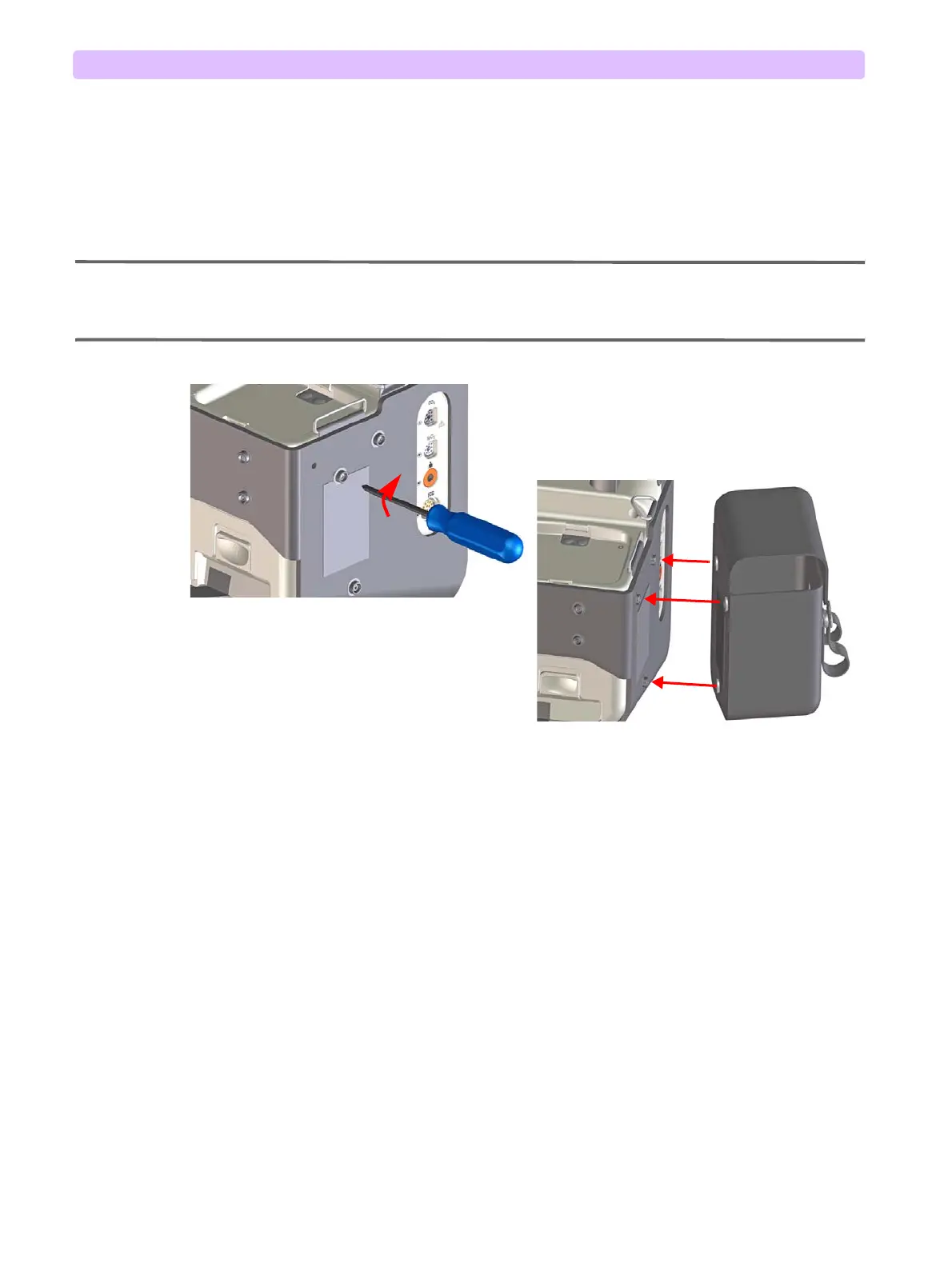
7 Repeat step 6 with the other side bag and the rear bag. See Figure 9.
8 Optional tray cover pouch: If you want to install the tray cover pouch, use the hook and loop strip
to fasten one dege of the bag through the metal loop on one side of the device. Stretch the pouch
across the paddle tray and fasten the other side. Tug lightly to confirm a solid connection.
9 Optional shoulder strap: Hook the strap into place, using the front metal loops on each side of the
cradle.
NOTES: When snapping the therapy/printer side bag in place, confirm that the printer paper path is clear so the
strip can come out of the printer freely.
For in-hospital use, the side carry bags can be installed without the cradle.
Figure 9 Attaching the Cradle and Side Carry Bags



 To Next Page