An Overview of the ST80i Stress Test System
2-8 ST80i Stress Test System Instructions for Use
To add or update patient information
1
Click on the Patient Name in the title bar.
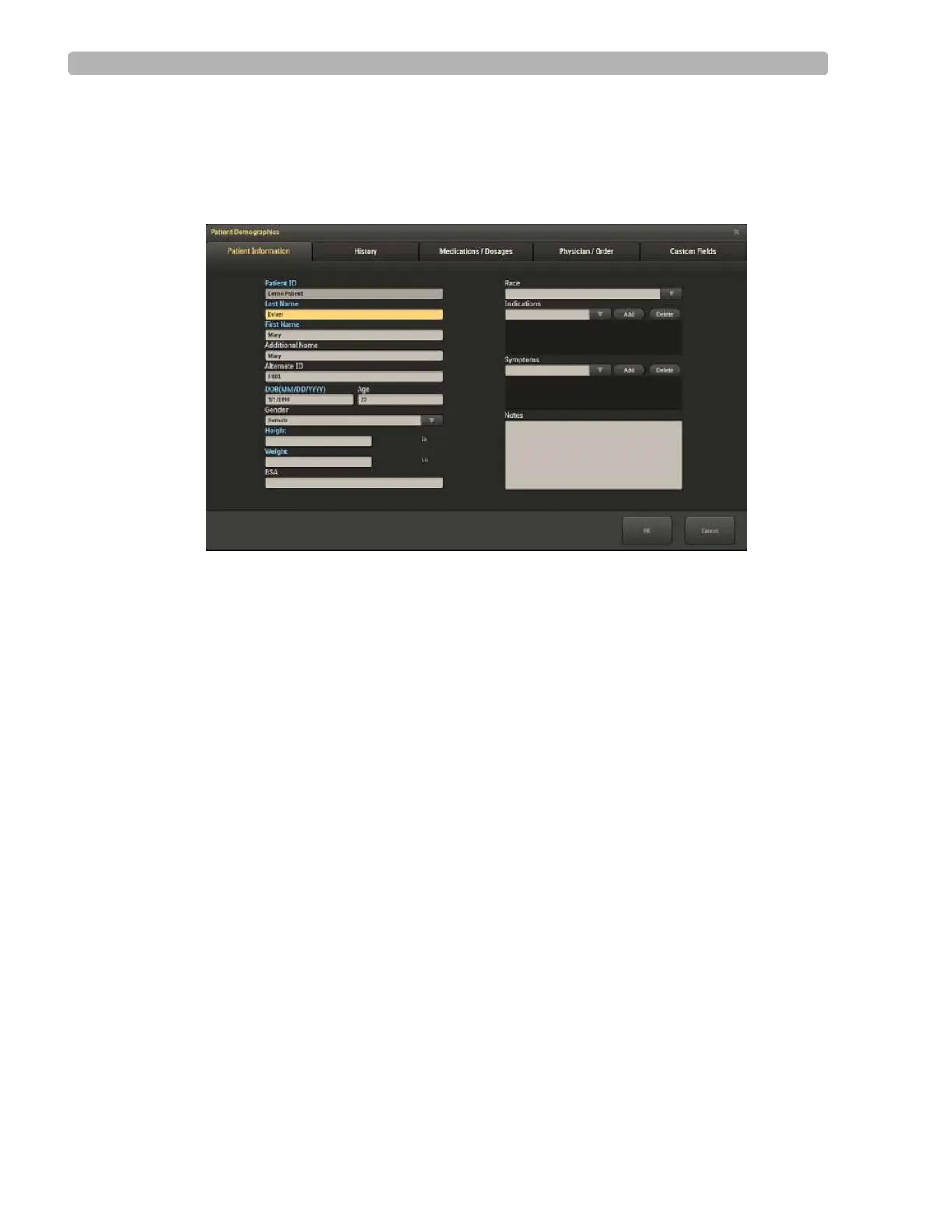
The system displays the Patient Demographics window.
Figure 2-4 Patient Demographics window
2
Enter new information for the patient or update the fields as needed during the stress test.
3 Click OK when finished to save the data.
If you manually update patient information, including Notes and Symptoms during the test or
on the Report screen, this information is not updated in the Patient profile in Worklist.



 To Next Page