The Patient Session
3-24 ST80i Stress Test System Instructions for Use
Figure 3-7 Red Dashed Line Showing Leads-Off Condition for V4
ST80i will also provide an indication to the operator when the front-end is inoperative and
cannot acquire signal. The indications are lead-off on all leads and the wireless signal quality
indicator lights. This condition will be saved with the data and will be indicated on any printed
reports which contain that data.
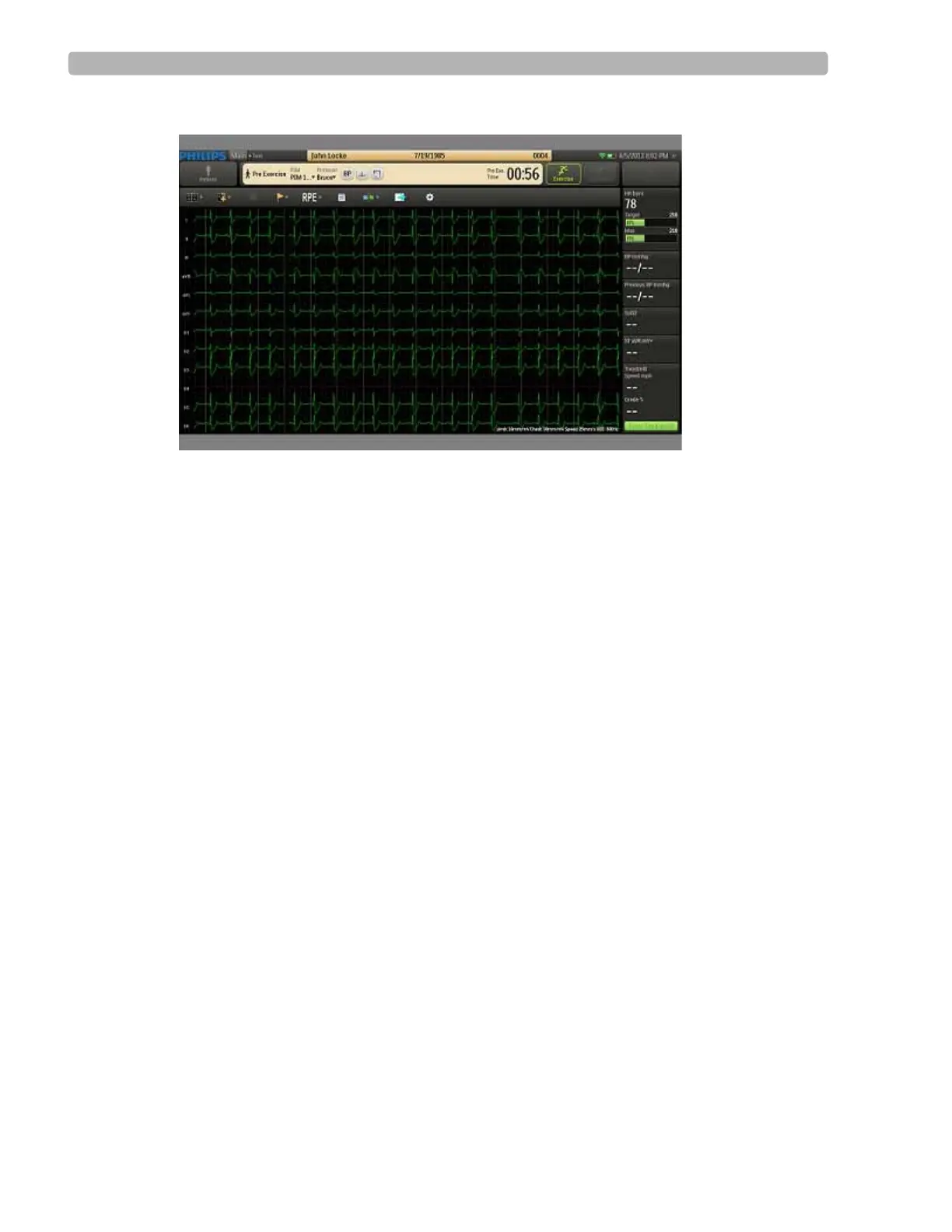
Figure 3-8 Faulty Lead Display Example (V1)
If the screen shows one or more faulty lead connections, re-prep the patient (page 3-17) and
replace the electrodes (page 3-18), as necessary, until the display shows satisfactory tracings.



 To Next Page