LIFEPAK 15 Monitor/Defibrillator
Service Manual
Replacement Procedures
Speaker Assembly (W17) Replacement
Section Menu Section Contents Procedures Back Index
224
8
Removing the Speaker Assembly (W17)
Refer to Figure 8.31 on p. 223.
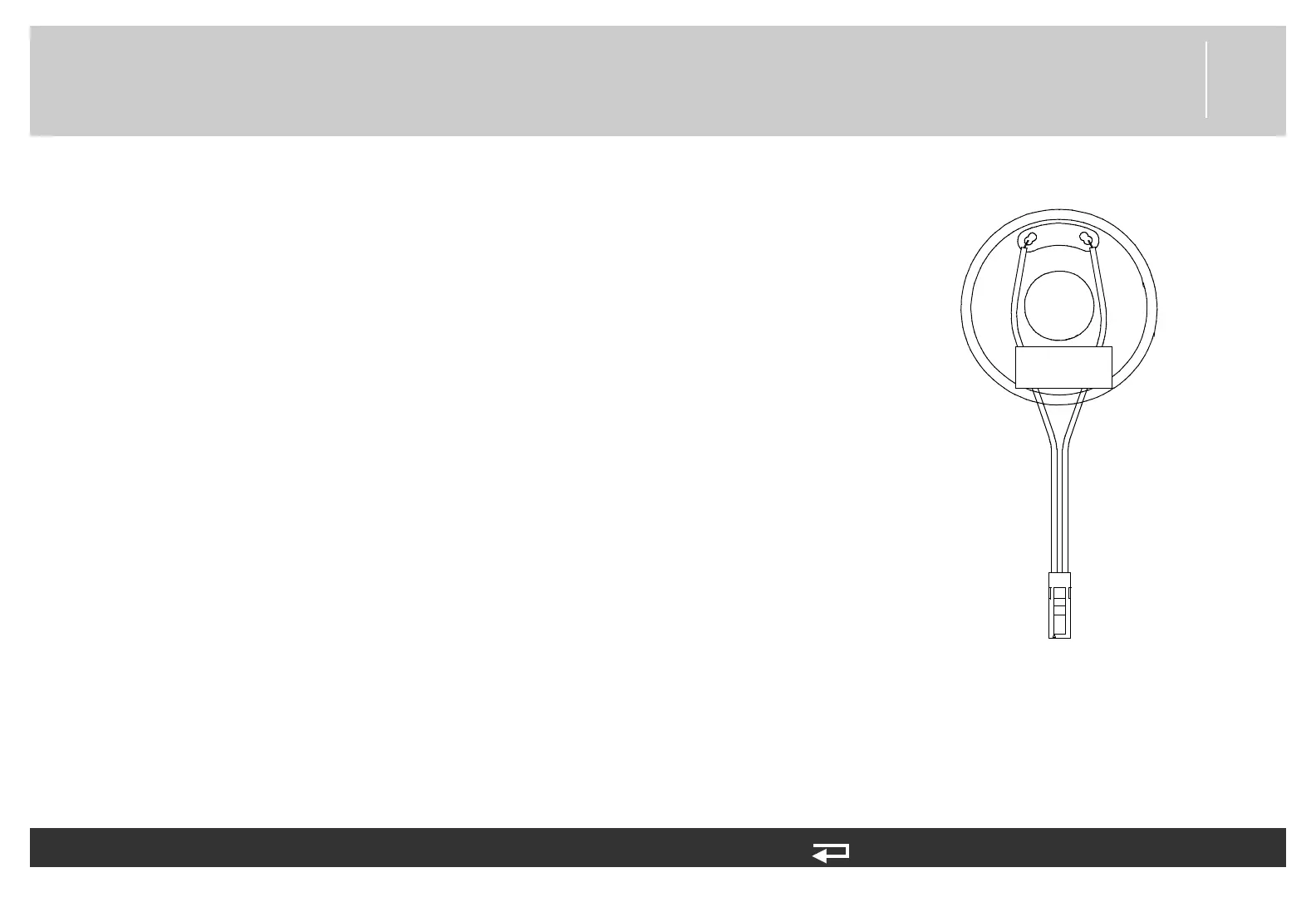
To remove the Speaker Assembly (3009726-03) (see Figure 9.57 on p. 479) from the
front case:
1. Disassemble the case as described in Disassembling the Case (p. 181).
2. Press the connector locking tab, and then disconnect the Speaker Assembly from
the interface PCB at J34, if the interface PCB is present.
3. Remove the screw (3207337-312) securing the spring clamp (3012693-00) for the
W17 Speaker Assembly. Note the orientation of the spring clamp for reassembly.
Discard the screw.
4. Set the spring clamp aside, and then lift the Speaker Assembly from the front case.
P34
Figure 8.32—Speaker
Assembly connection














 To Next Page