Function Variants Filling Scale
This items reflects a typical operating sequence of a Filling Scale.
Action
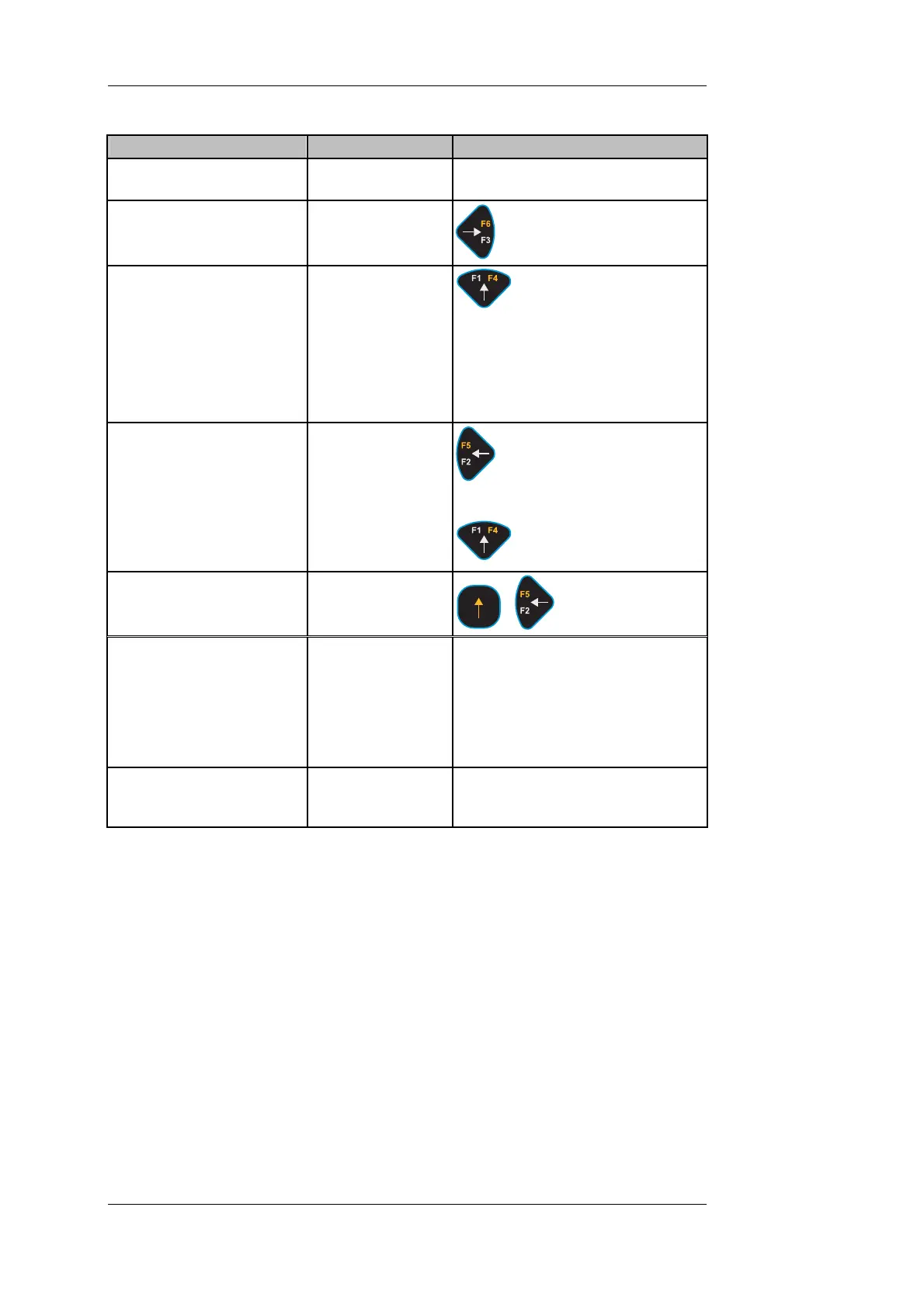
Display (e.g.) Key(s); Comments
1. DISOMAT must be in
home position!
G 3.5 kg
2. Select material type and
enter setpoint.
'MatSet' key
3. Start filling
apr. 1sec.
0.0 kg
G 3.5 kg
Net T
'Start' key
Scale waits for n
automatically.
Scale is tared.
Filling continues auto
o-motion and tares
matically until
s ached. etpoint is re
4. If required, stop filling.
lashes for 20 sec.)
filled
W4004:Filling
Stopped
(f
Net T 55.5 kg
weight already
'Stop' key
Continue filling with
'Start' key
5. If required, abort filling. illing
Aborted
W4104:F
+
'Abort' key
6. Terminate filling. T 59.0 kg
g operation can start after
Net Filled weight and filling operation
are balanced and printed. Weighing
is complete.
Filled weight is displayed for a set
timeout; then, GROSS is displayed.
Next fillin
timeout.
7. Discharge hopper -
per is automatically
discharged.
If filled weight exceeds MAX value
-> weigh hop
Alternatively, you can also
•
terial is to be filled. In this case, the taring
operation before filling is omitted.
perform a mere GROSS weighing. This function is used, if a hopper
containing a residual amount of ma
BV-H2313 GB 0630 DISOMAT
®
Opus – Operating Manual
- 98 - © Schenck Process GmbH, Darmstadt



 To Next Page