Function Variants Cargo Scale
6.5.4 Standard Operating Sequence
This item reflects a typical operating sequence of a cargo scale.
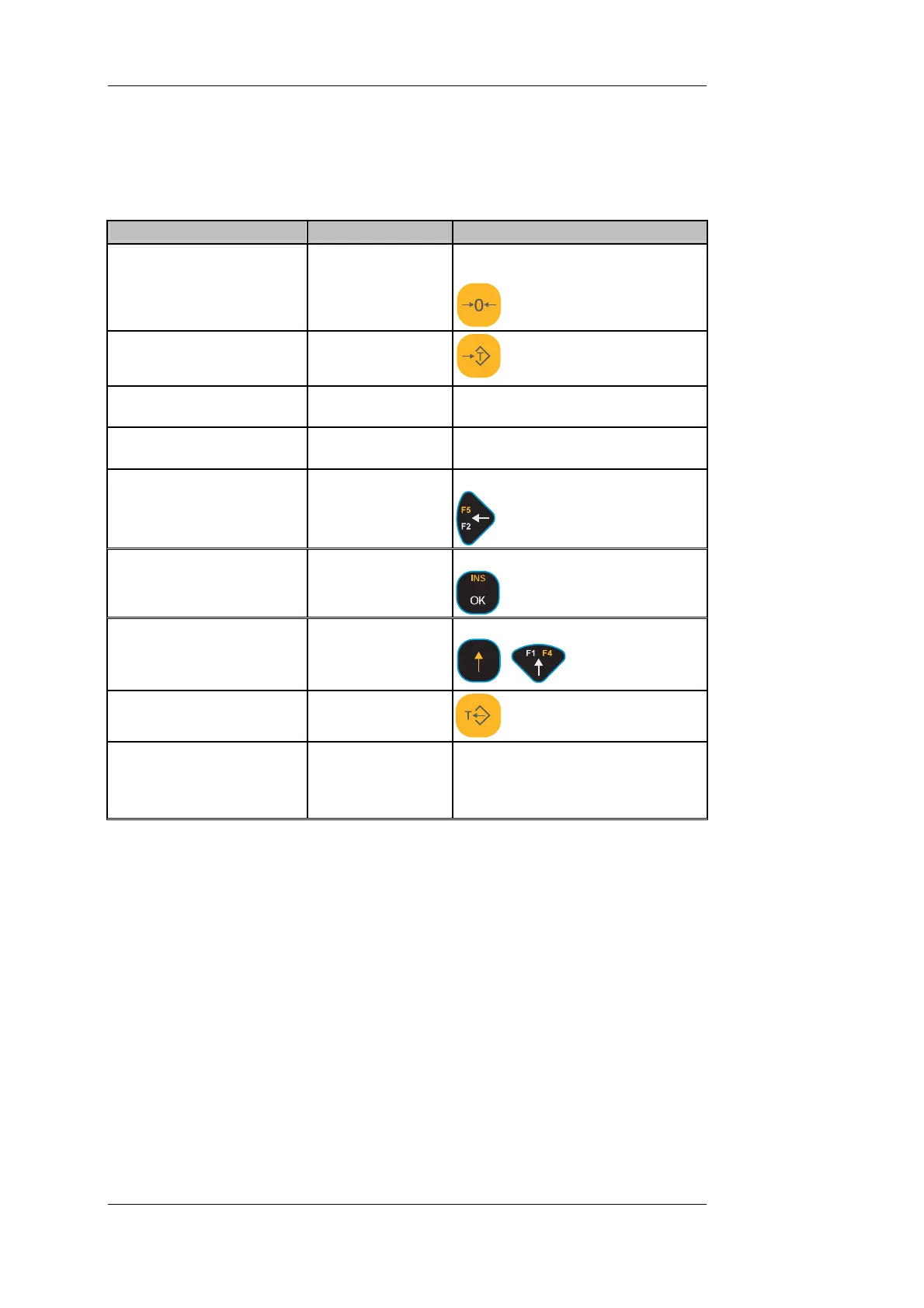
GROSS/NET Weighing With Unknown Tare Weight
Action
Display (e.g.) Key(s); Comments
1. DISOMAT must be in
home position!
Set display type: 'NET'
G 0.0 kg If scale display does not read zero:
-> 'Zero Scale' key
2. Put pallet (TARE weight)
scale and store tare.
G 103.5 kg
on
'Acquire Tare' key
Net T 0.0 kg
Scale is tared.
3. Put good to be weighed 205.0 kg
Scale displays NET weight.
on pallet.
Net T
4. If required, enter string.
'Enter String' key.
do.
do.
Acknowledge with key
5. Prepare weigh report Print weigh report
do.
+
6. Clear tare memory
do.
G 308.5 kg
Weighing is complete. Remove
good to be weighed from scale.
Scale is ready for next weighing
operation.
Alte at
• known hopper or pallet dead weight. Use 'Enter Tare In Manual'
function ( [F1] key) in place of 'Acquire Tare'.
• call up the known hopper or pallet dead weight from the list of stored tare
values. Use the "Select Tare from List" function ( [F3] key) in place of 'Acquire
Tare'.
rn ively, you can also
• perform a mere GROSS weighing. 'Acquire Tare' and 'Clear Tare' functions
are omitted.
key in a
BV-H2313 GB 0630 DISOMAT
®
Opus – Operating Manual
- 116 - © Schenck Process GmbH, Darmstadt



 To Next Page