60 53 362 D3472
D3472.201.10.20.02 07.2016
101
Sirona Dental A/S 5Operation DAC UNIVERSAL ADVANCED
Operating Instructions DAC UNIVERSAL 5.3Reprocessing with the DAC UNIVERSAL ADVANCED
båÖäáëÜ
the instruments. The adapters can be replaced if necessary, see
"Mounting adapters [ → 53]".
4. Attach a Class 5/6 chemical indicator in the STANDARD indicator
holder in the groove on the center post of the STANDARD lid or
attach the PCD test device onto the ISO/INTRAmatic adapter. See
"Checking the reprocessing result with an indicator / PCD test device
[ → 59]" for more information on using the chemical indicator / PCD
test device.
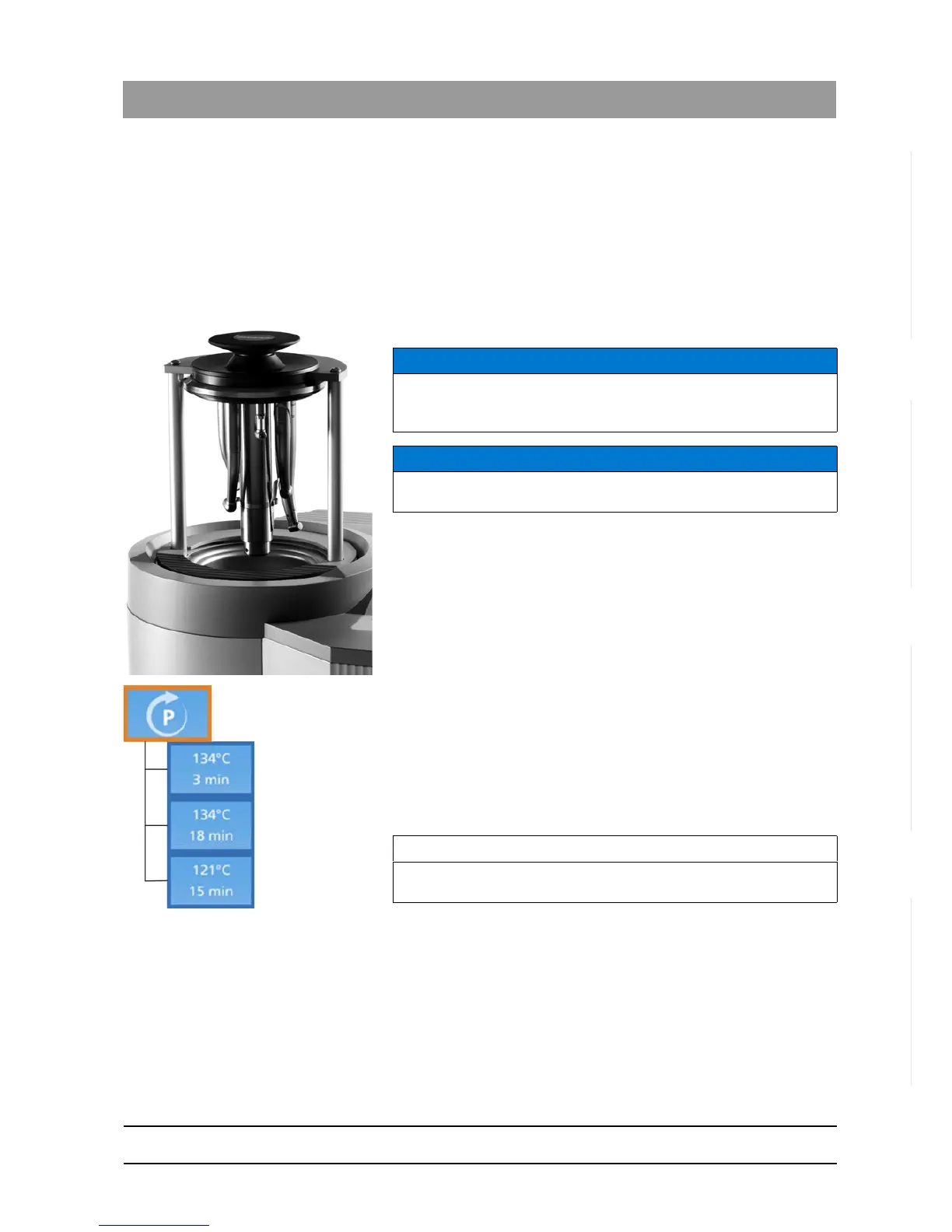
5. Insert the STANDARD lid in the cover holder of the DAC UNIVERSAL
in such a way that the instruments are pointing down.
There are instruments on the STANDARD lid; the DAC
UNIVERSAL is still open and ready for a cycle.
6. Enter the "program selection“ menu section.
7. Press the “Left/Right”-Keys accordingly to select the desired
program.
8. Press the “Down”-Key to confirm the selection.
9. Return to the ready screen.
The selected program is displayed at the top of the ready screen.
The program is shown as temperature/holding time.
10. Make sure the STANDARD lid is selected. If not press the “Up/
Down”-Keys accordingly, to select this lid.
11. Press the “Start/Stop“-Key to start the cycle.
A prompt to press down on the safety ring will appear on the
display.
12. Press down on the safety ring to start the cycle. If the safety ring is
not pressed within 20 seconds, you must choose the lid and press the
"Start/Stop"-Key again
The STANDARD lid of the DAC UNIVERSAL closes as soon as
the safety ring is pressed.
NOTICE
Make sure that the lid is inserted all the way into the holder so that the
instrument heads do not touch the wall of the chamber. Make sure there
are no objects in the chamber.
NOTICE
The DAC UNIVERSAL and/or the instruments can be damaged if a lid
is not inserted correctly.
IMPORTANT
If no program is selected, the standard program for reprocessing is
used.














 To Next Page