60 53 362 D3472
D3472.201.10.20.02 07.2016
103
Sirona Dental A/S 5Operation DAC UNIVERSAL ADVANCED
Operating Instructions DAC UNIVERSAL 5.3Reprocessing with the DAC UNIVERSAL ADVANCED
båÖäáëÜ
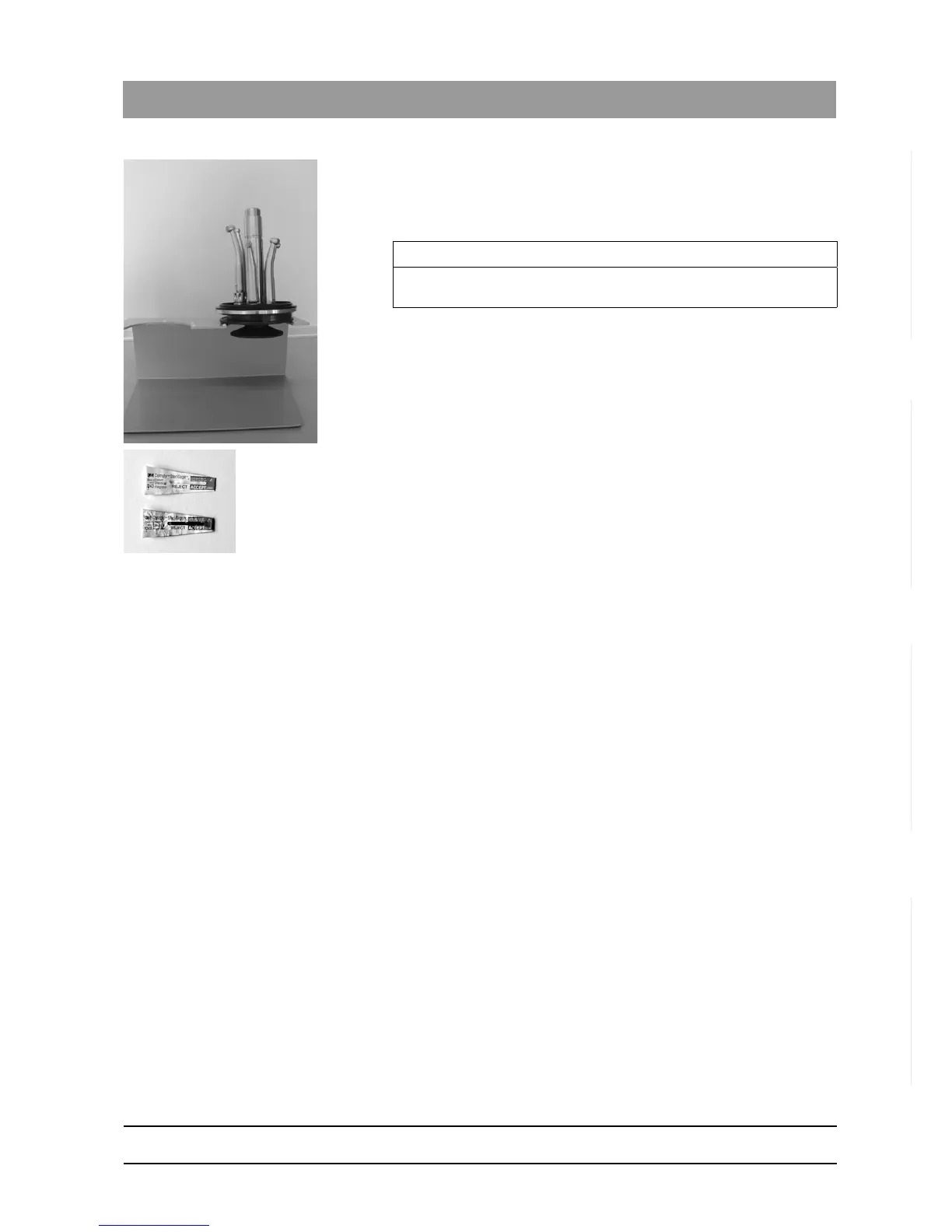
14. Remove the STANDARD lid from the holder on the DAC UNIVERSAL
at the end of the cycle to allow the instruments to cool down faster.
15. Place the STANDARD lid on the counter or put it in the optional lid
holder.
16. Check the instruments visually to make sure they are dry.
17. Check the instruments visually to make sure they have been cleaned.
18. Check the cycle number, properly conducted cycle on your
documentation (printer, software, etc.): For sterilization, "Sterilization,
time, ok" must be indicated.
19. Check whether the dark status bar of the chemical indicator is in the
"ACCEPT" range.
If everything is correct, reprocessing was successful.
20. Document the cycle according to the work instructions applicable in
your practice.
21. Remove every instrument from the STANDARD lid. See "Attaching
instruments to the respective STANDARD lid adapters [ → 220]" for
detailed instructions on removing the individual instruments.
The instruments can now be used again.
Sterilization of unwrapped instruments is not sufficient for invasive
procedures. After unwrapping the instruments another sterilization
must be conducted in the DAC UNIVERSAL or a class B sterilizer
(e.g. DAC PROFESSIONAL). For sterilizing wrapped instruments in
DAC UNIVERSAL, see "Reprocessing with the WRAPPED lid DAC
UNIVERSAL ADVANCED [ → 110]".
IMPORTANT
When they are cooling, the heads of the instruments should point
upwards to prevent corrosion.














 To Next Page