60 53 362 D3472
D3472.201.10.20.02 07.2016
179
Sirona Dental A/S 8Operation DAC UNIVERSAL STANDARD
Operating Instructions DAC UNIVERSAL 8.3Reprocessing with DAC UNIVERSAL STANDARD
båÖäáëÜ
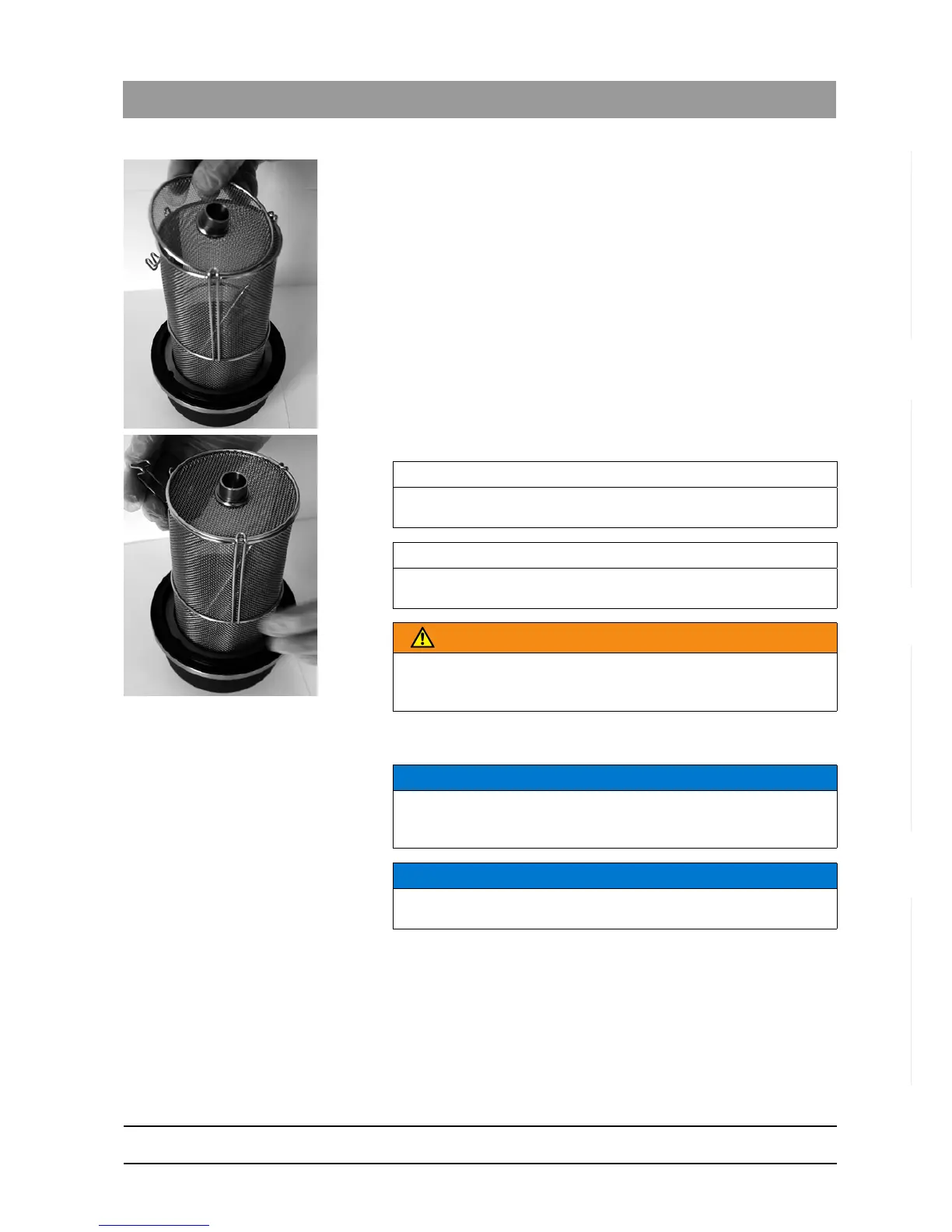
6. Place the small lid back on the basket.
7. Close the basket.
8. Insert the BASKET lid in the cover holder of the DAC UNIVERSAL in
such a way that the basket points down.
The solid instruments are in the BASKET lid; the DAC
UNIVERSAL is still open and ready for a cycle.
9. Press the "Menu/Enter"-Key twice and select the desired program
using the arrow keys.
10. Confirm your input by pressing the "Menu/Enter"-Key again.
11. Press the "Clear"-Key.
IMPORTANT
There is a metal cylinder in the middle of the small lid. The long part must
point toward you when closing.
IMPORTANT
Make sure the small lid of the basket closes easily and no instruments
are caught.
WARNING
Place a NitraClean tablet in the empty chamber. See "NitraClean
cleaning tablet [ → 241]" for more information on using a NitraClean
tablet.
NOTICE
Make sure that the lid is inserted all the way into the holder so that the
basket does not touch the wall of the chamber. Make sure there are no
objects (other than the NitraClean tablet) in the chamber.
NOTICE
The DAC UNIVERSAL, the BASKET lid, and/or the instruments can be
damaged if the BASKET lid is not inserted correctly.














 To Next Page