60 53 362 D3472
74 D3472.201.10.20.02 07.2016
5Operation DAC UNIVERSAL ADVANCED Sirona Dental A/S
5.2Using the menu and display information DAC UNIVERSAL ADVANCED Operating Instructions DAC UNIVERSAL
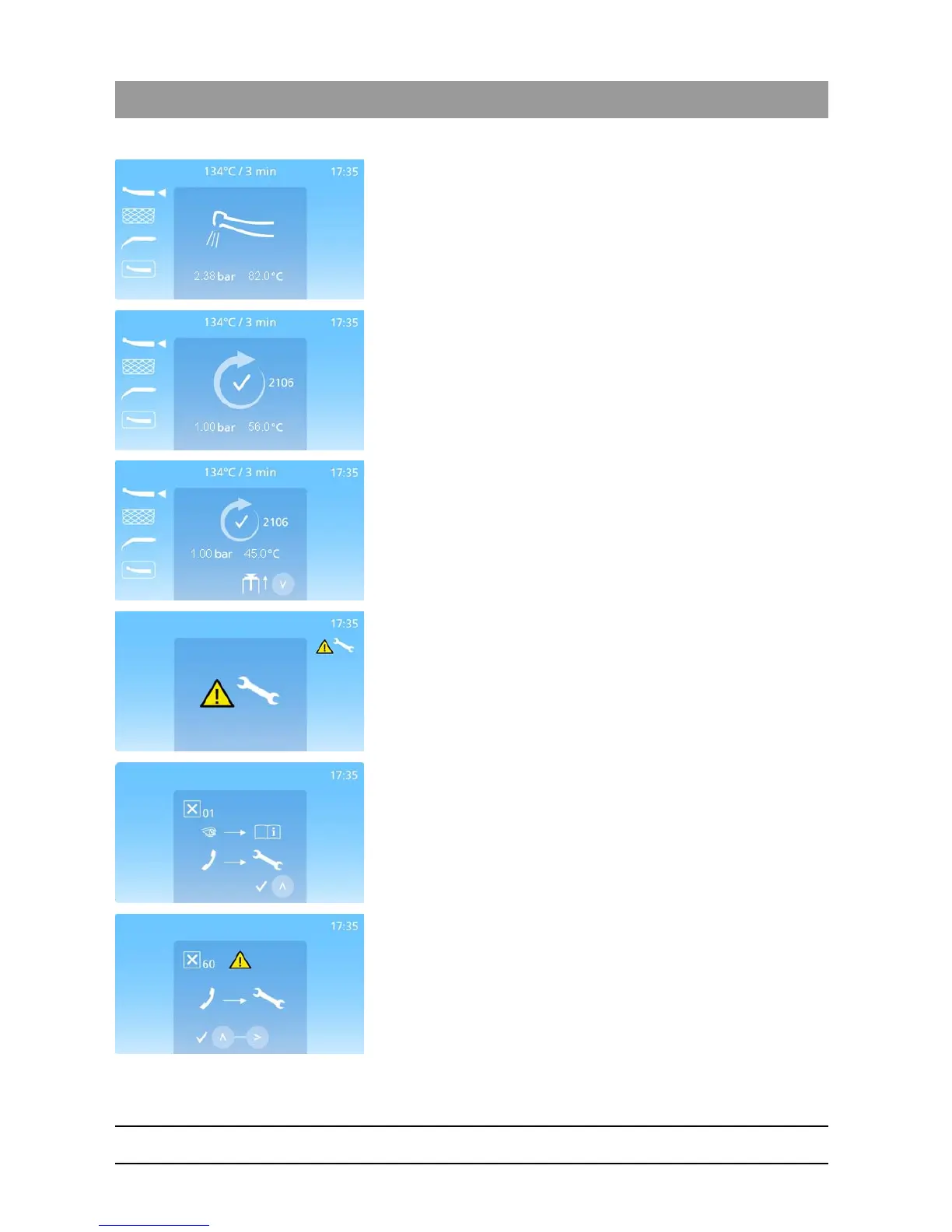
Expel (If set in the menu at level 1, 2 or 3) - by air being blown through
the instruments.
For BASKET and WRAPPED lids this dries the instruments from the
outside.
The cycle has been completed.
The lid will open a bit.
The cycle number is displayed on the right side of the ready screen
symbol (here seen as 2106).
Indicates that the cycle has been completed.
The cycle number is displayed on the right side of the ready screen
symbol (here seen as 2106).
When the “Down”-Key is pressed, the DAC UNIVERSAL will open
completely and can be unloaded.
Service needed - is displayed simultaneously with a 2 second acoustic
alarm.
Indicates that it’s been two years or 3000 cycles since the last service was
performed or the DAC UNIVERSAL was put into use for the first time.
Reminds the user that a service is recommended.
The error code is displayed in the top left hand corner;
General error – is displayed simultaneously with an acoustic alarm.
The error code is displayed in the top left hand corner. Please find this
error code in "Display messages DAC UNIVERSAL ADVANCED
[ → 140]".
Press the “Up”-Key to return.
The error code is displayed in the top left hand corner;
Sterilization error - is displayed simultaneously with an acoustic alarm.
The error code is displayed in the top left hand corner.
Please find this error code in "Display messages DAC UNIVERSAL
ADVANCED [ → 140]". Press the “Up”-Key and the “Right”-Key at the
same time to return.














 To Next Page