60 53 362 D3472
90 D3472.201.10.20.02 07.2016
5Operation DAC UNIVERSAL ADVANCED Sirona Dental A/S
5.2Using the menu and display information DAC UNIVERSAL ADVANCED Operating Instructions DAC UNIVERSAL
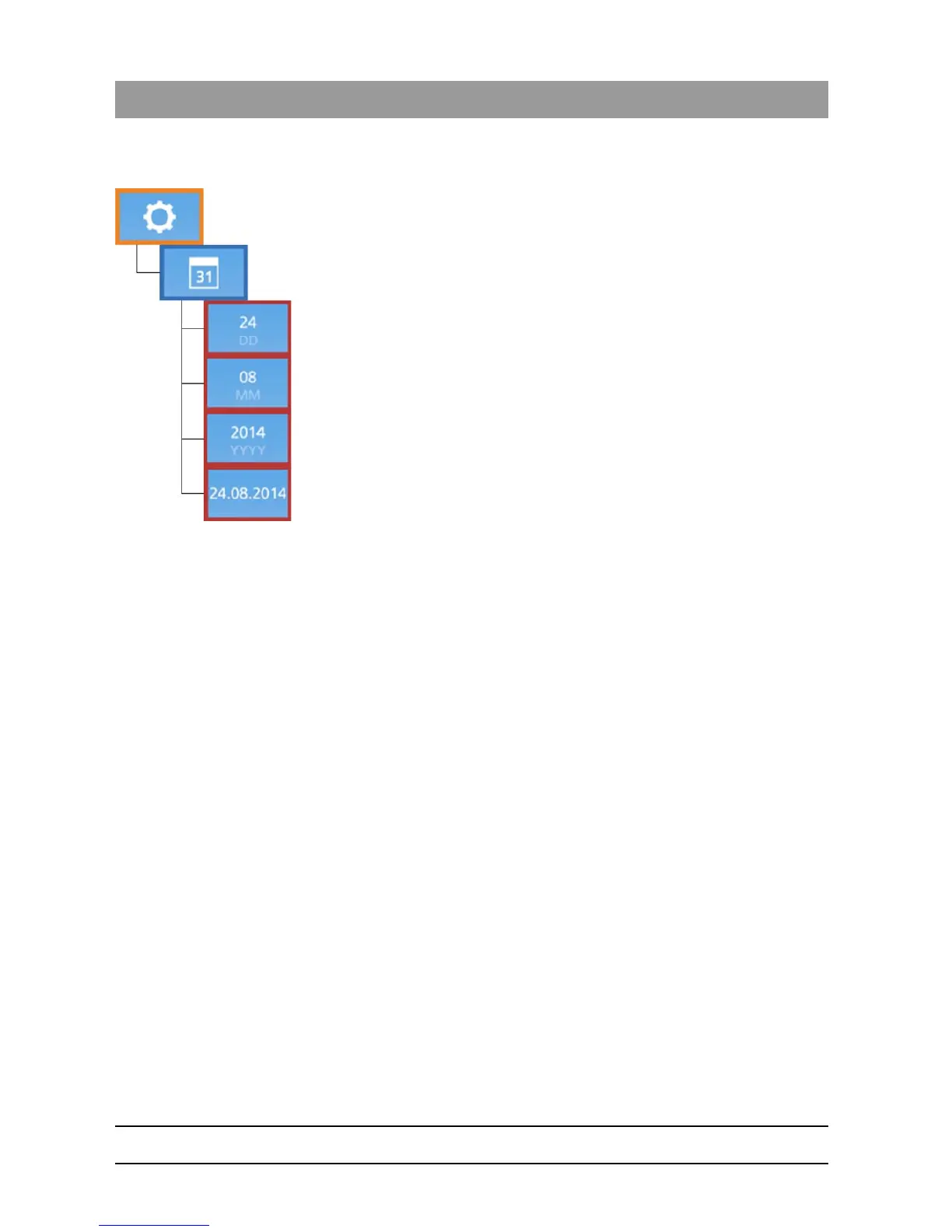
5.2.2.3.3.7 Set date
The date can be set on the DAC UNIVERSAL using these settings.
1. Choose the current date using the “Left/Right”-Keys accordingly.
2. Press the “Down”-Key to confirm the selection.














 To Next Page