SETUP
99
AUDIO
3
No. Function Page
Select to specify the sound settings. 56
Select to change the number of preset radio
stations/channels displayed on the screen.
99
Select to specify the iPod/SD*
1
/USB auto play
settings on/off.
-
Select to specify the iPod sound signal input
settings.
100
Unsupported. -
Select to specify cover art settings on/off. -
*
2
Select to specify automatic sound levelizer
settings.
100
Select to enable cache radio. -
Select to reset all setup items. -
*
1
: With navigation function
*
2
7KLVVHWWLQJFDQEHPDGHGHSHQGLQJRQWKHFRQQHFWHGDPSOL¿HUW\SH
DISPLAYING THE “Audio Settings (Audio
Settings)” SCREEN IN A DIFFERENT WAY
XUSB video/SD video*
*: With navigation function
1. Select on the audio control screen.
2. Select
Settings
(Settings).
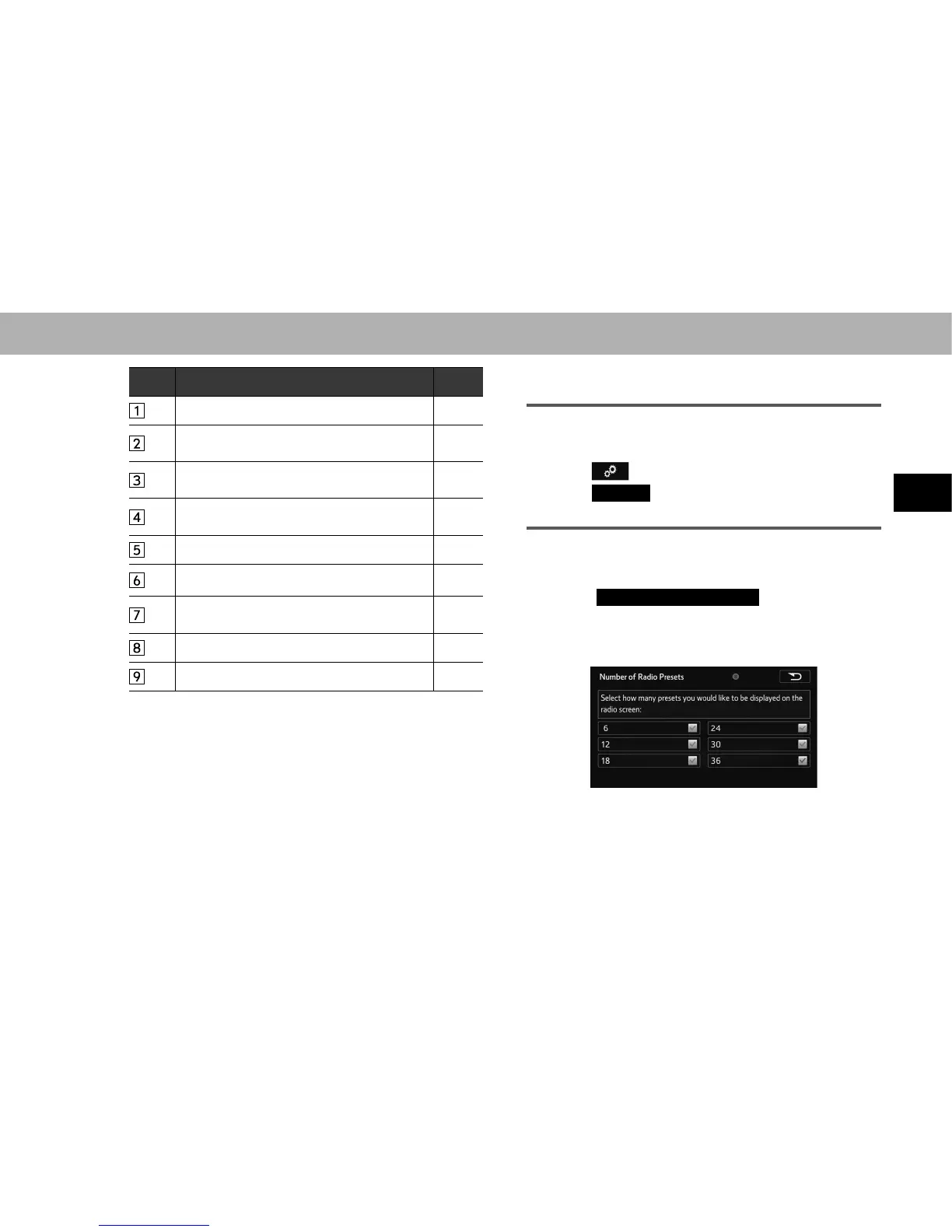
SETTING THE NUMBER OF RADIO PRESETS
1. Display the “Audio Settings (Audio Settings)” screen.
ĺ3
2. Select
Number of Radio Presets
(Number of Radio
Presets).
3. Select the button with the desired number to be
displayed.















 To Next Page