STARLINK
149
APPS
5
STARLINK
STARLINK
The STARLINK function allows the system to link with a
smartphone using Bluetooth.
When connecting iPhone or Android devices with the
STARLINK application installed, you can control STARLINK
content through the system.
To use the STARLINK application, connect your iPhone
or Android device via Bluetooth.
When using the application, read the precautions indicated
LQ³%()25(86,1*7+($33/,&$7,21´ĺ3
DISPLAYING STARLINK INFORMATION
1. Run the STARLINK application on your smartphone.
2. Connect your smartphone by utilizing the Bluetooth
connection.
Ɣ For details about registering or connecting your
VPDUWSKRQHĺ3
3. Select
STARLINK
(STARLINK) on the “APPS (APPS)”
screen.
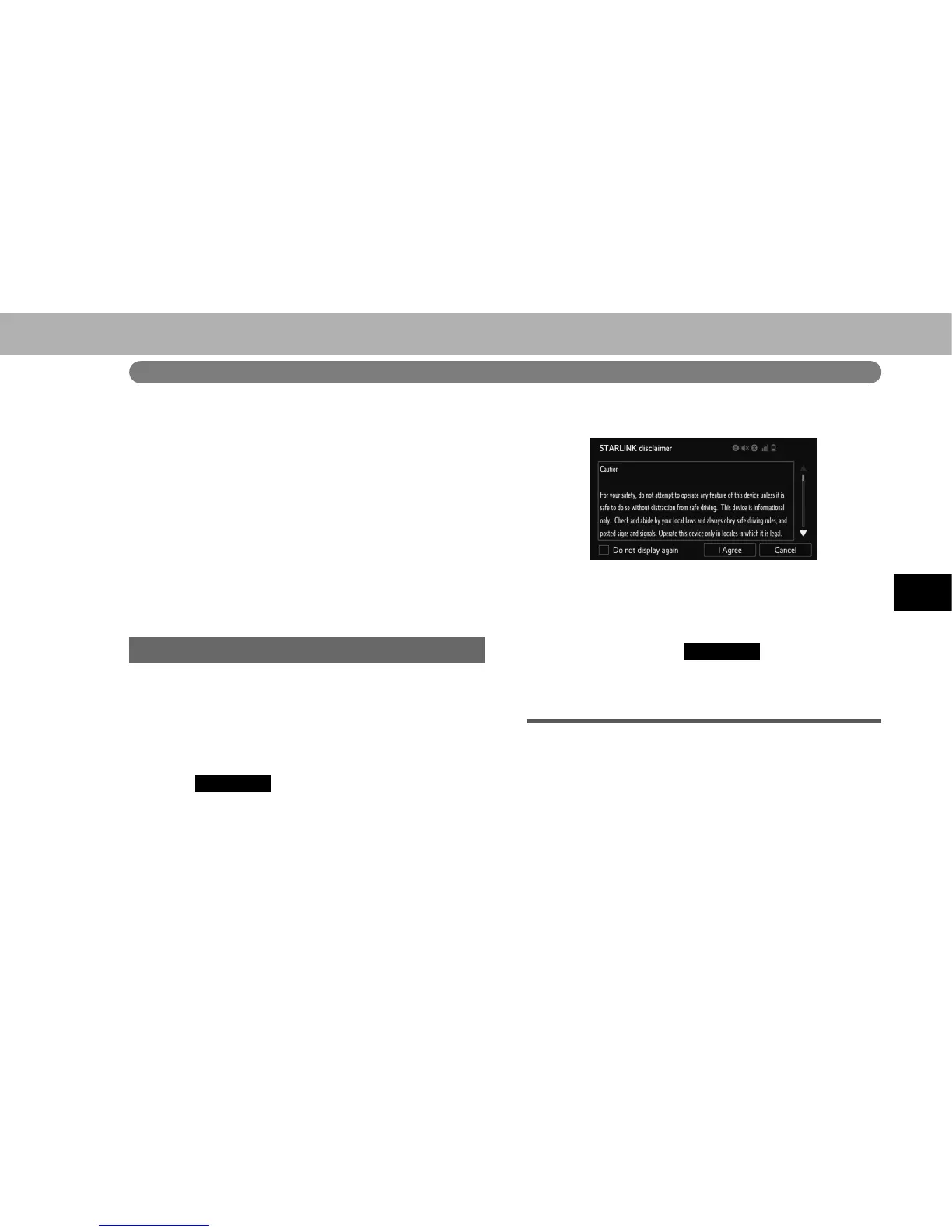
4. Check that the “STARLINK disclaimer (STARLINK
disclaimer)” screen is displayed.
NOTE
O When using the STARLINK function, a disclaimer screen will be
displayed. Be sure to fully read the contents before using the
function.
O There may be times when
STARLINK
(STARLINK) does not
appear immediately when the ignition switch is set in the “ACC”
or “ON” position. If so, please wait.
ABOUT THE SUPPORTED DEVICES
This system supports the following devices.
Ɣ iPhone: iOS 4.3.5 or later
Ɣ Android: Android 4.0 or later















 To Next Page