SETTINGS
7
Bluetooth
®
SETTINGS
177
REGISTERING A Bluetooth AUDIO DEVICE
FOR THE FIRST TIME
To use the Bluetooth Audio, it is necessary to register an
audio device with the system.
Once the player has been registered, it is possible to use
the Bluetooth Audio.
This operation cannot be performed while driving.
)RUGHWDLOVDERXWUHJLVWHULQJD%OXHWRRWKGHYLFHĺ3
1. Turn the Bluetooth connection setting of your audio
device on.
Ɣ This function is not available when the Bluetooth
connection setting of your audio device is set to off.
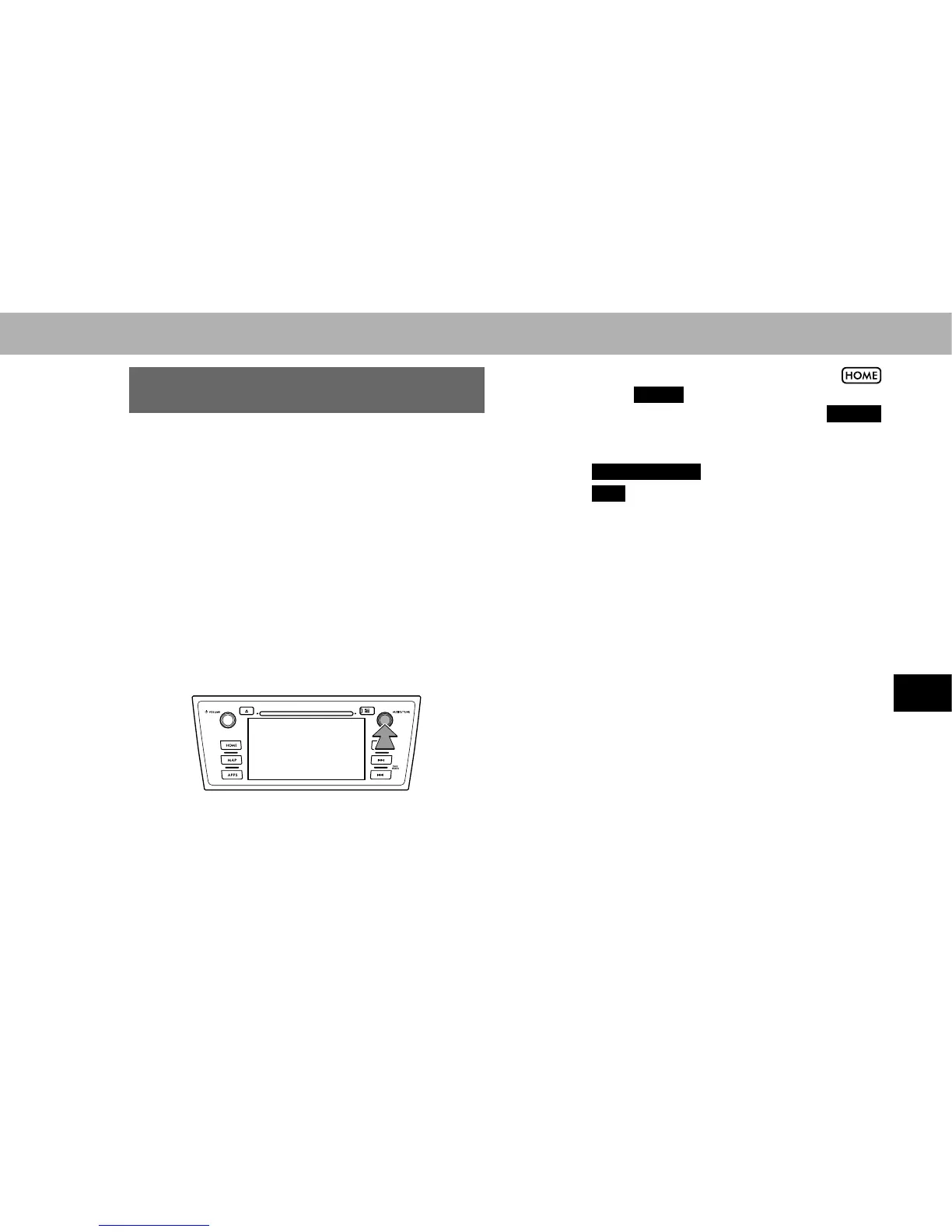
2. Press the “AUDIO/TUNE” knob.
Ɣ The screen can also be displayed by selecting
followed by
AUDIO
(AUDIO).
Ɣ If the audio control screen appears, select
Source
(Source) on the audio screen, or press the “AUDIO/
TUNE” knob again.
3. Select
Bluetooth Audio
(Bluetooth Audio).
4. Select
Yes
(Yes) to register an audio device.
5. Follow the steps in “REGISTERING A Bluetooth
'(9,&(´IURP³67(3´ĺ3















 To Next Page