BASIC INFORMATION BEFORE OPERATION
47
BASIC FUNCTION
2
INFO SCREEN OPERATION
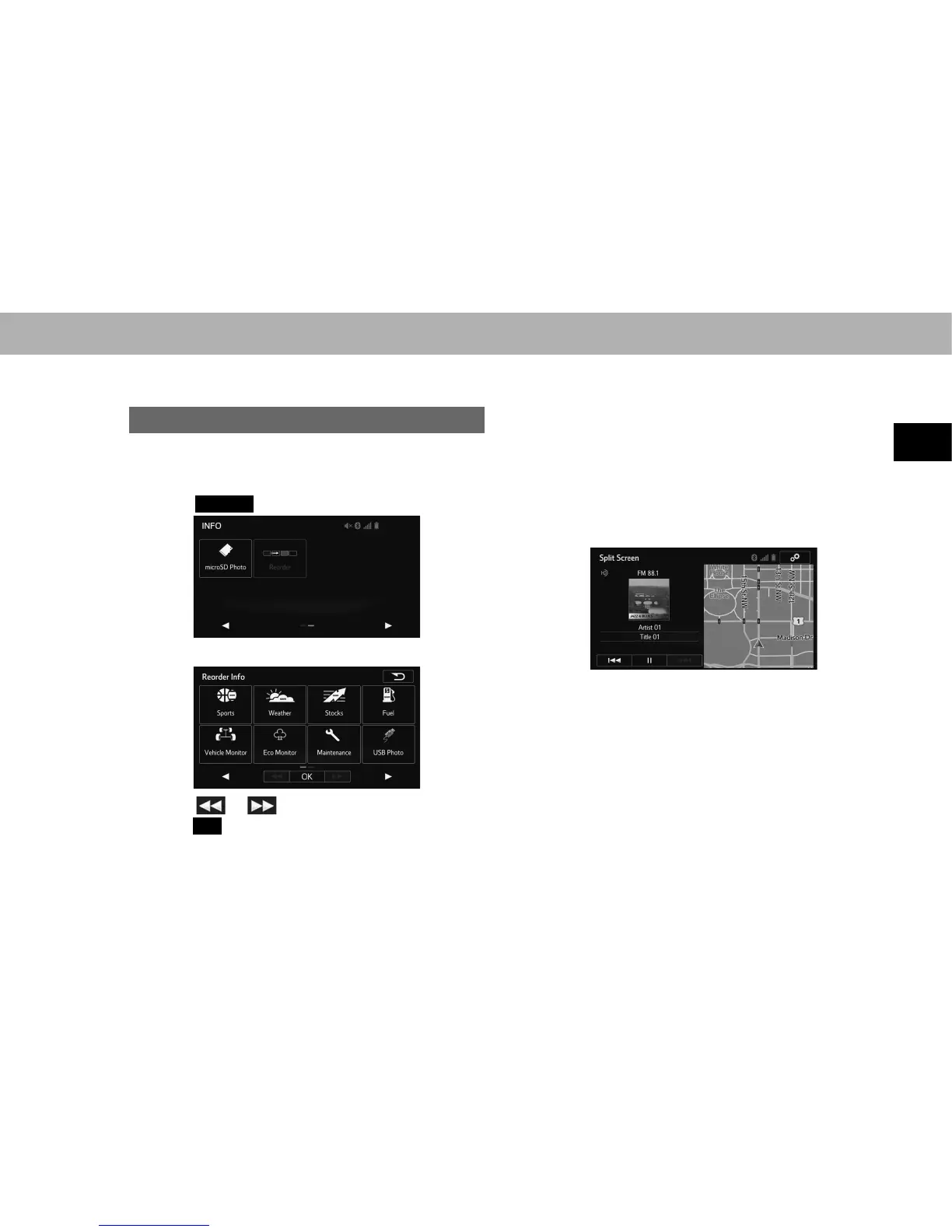
REORDERING THE MENU ICONS
Order of the menu icons can be changed.
1. 'LVSOD\WKH³,1)2,1)2´VFUHHQĺ3
2. Select
Reorder
(Reorder).
3. Select the desired menu icon to be moved.
4. Select or to move the menu icon, and then
select
OK
(OK).
SPLIT SCREEN OPERATION
The split screen can display multiple information screens,
such as the audio system screen and hands-free screen,
simultaneously.
The following describes screen operation for the system
with navigation function.
1. Press and hold the “AUDIO/TUNE” knob.
2. Split screen is displayed.
Ɣ When a screen is selected, the selected screen will
change to a full-screen display.















 To Next Page