BASIC INFORMATION BEFORE OPERATION
46
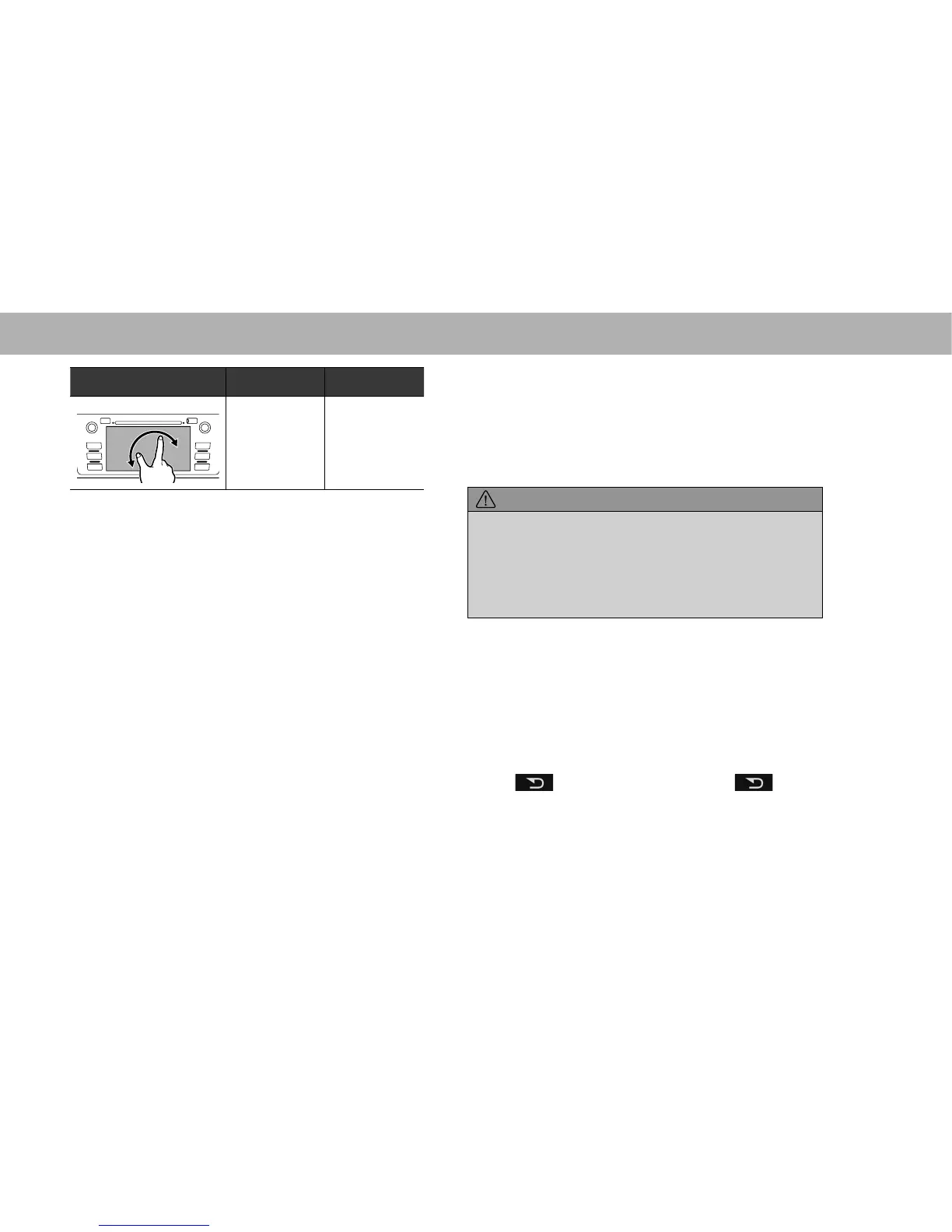
Operation method Outline Main use
Rotate*
1
To change the
map direction,
rotate with two
¿QJHUVWRXFKLQJ
the screen.
Changing the
horizontal
display angle of
the map.
*
1
: With navigation function
*
2
: The above operations may not be performed on all screens.
NOTE
O Flick operations may not be performed smoothly in high
altitudes.
TOUCH SCREEN OPERATION
This system is operated mainly by the buttons on the
screen. (Referred to as screen buttons in this manual.)
Ɣ When a screen button is touched, a beep sounds.
7KHEHHSVRXQGFDQEHWXUQHGRQRURIIĺ3
CAUTION
O To prevent damaging the screen, lightly touch the screen
EXWWRQVZLWK\RXU¿QJHU
O 'RQRWXVHREMHFWVRWKHUWKDQ\RXU¿QJHUWRWRXFKWKHVFUHHQ
O :LSHRII¿QJHUSULQWV XVLQJDJODVVFOHDQLQJ FORWK'RQRWXVH
chemical cleaners to clean the screen, as they may damage
the touch screen.
NOTE
O If the system does not respond to touching a screen button,
PRYH\RXU¿QJHUDZD\IURPWKHVFUHHQDQGWKHQWRXFKLWDJDLQ
O Dimmed screen buttons cannot be operated.
O The displayed image may become darker and moving images
may be slightly distorted when the screen is cold.
O In extremely cold conditions, the map may not be displayed
and the data input by a user may be deleted. Also, the screen
buttons may be harder than usual to depress.
O When
is displayed on the screen, select to return
to the previous screen.















 To Next Page