SETTINGS
7
Bluetooth
®
SETTINGS
181
4. Register the Bluetooth device using your Bluetooth
device.
Ɣ A PIN-code is not required for SSP (Secure Simple
Pairing) compatible Bluetooth devices. Depending
on the type of Bluetooth device being connected, a
PHVVDJHFRQ¿UPLQJUHJLVWUDWLRQPD\EHGLVSOD\HGRQ
the Bluetooth device’s screen. Respond and operate
WKH %OXHWRRWK GHYLFH DFFRUGLQJ WR WKH FRQ¿UPDWLRQ
message.
5. Check that the screen is displayed when registration is
complete.
Ɣ The system waits for connection requests coming
from the registered device.
Ɣ ,I D FRQ¿UPDWLRQ PHVVDJH DSSHDUV DVNLQJ ZKHWKHU
to transfer the phone’s contact data to the system,
select the appropriate button.
Ɣ At this stage, the Bluetooth functions are not yet
available.
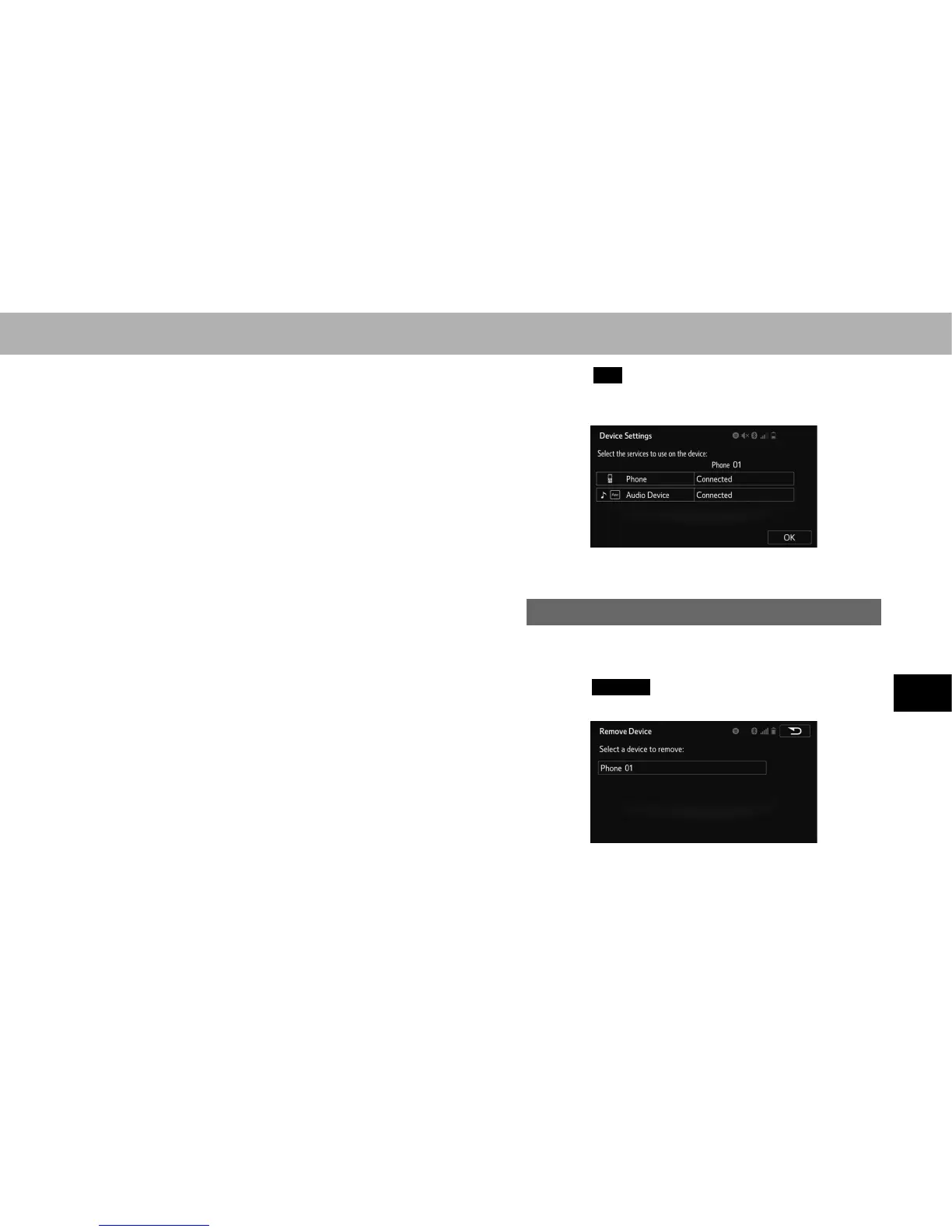
6. Select
OK
(OK) when the connection status changes
from “Connection waiting... (Connection waiting...)” to
“Connected (Connected)”.
Ɣ If an error message is displayed, follow the guidance
on the screen to try again.
DELETING A Bluetooth DEVICE
1. Display the “Bluetooth Settings (Bluetooth Settings)”
VFUHHQĺ3
2. Select
Remove
(Remove).
3. Select the desired device.















 To Next Page