USEFUL INFORMATION
163
INFORMATION
6
No. Function
Select to switch to an audio broadcast while information
during a game is being displayed.
7KHVFRUHVDUHFRPSDUHGDQGWKHDI¿OLDWHZLWKWKH
highest score is displayed in yellow.
Select to set which sports information is displayed.
6HOHFWWRVHW\RXUIDYRULWHDI¿OLDWHĺ3
Select to update with the latest information.
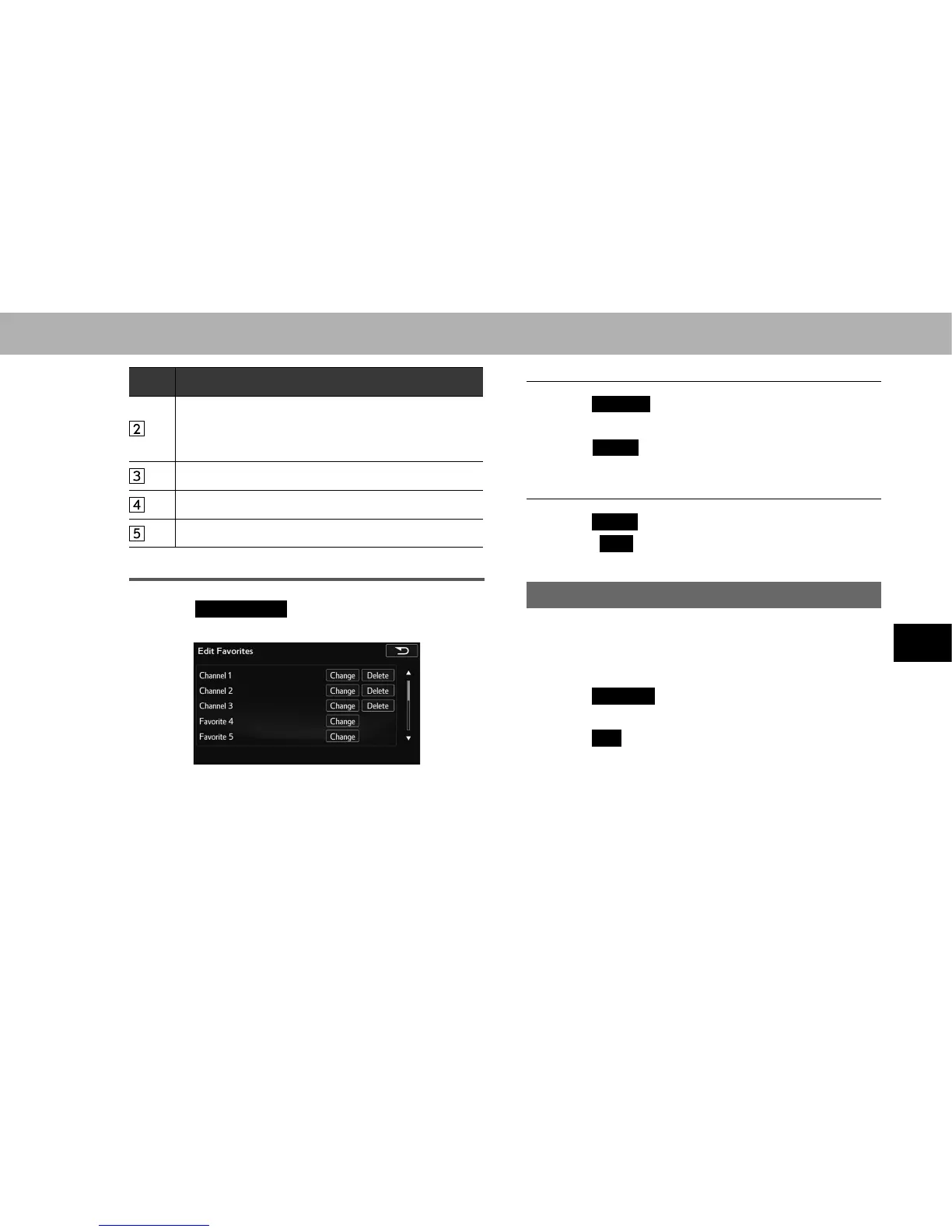
REGISTERING FAVORITE
1. Select
Edit Favorites
(Edit Favorites).
2. Select the desired item to be set.
NOTE
O 8SWRDI¿OLDWHVFDQEHUHJLVWHUHG
Q CHANGING THE FAVORITE
1. Select
Change
(Change) next to the item to be edited.
2. Select the desired sports.
3. Select
Select
(Select) next to the item you want to set
as a favorite.
Q DELETING FAVORITE
1. Select
Delete
(Delete) next to the item to be deleted.
2. Select
Yes
<HV ZKHQ WKH FRQ¿UPDWLRQ VFUHHQ
appears.
DISPLAYING WEATHER INFORMATION
Weather information can be received via the SiriusXM
®
Satellite Radio Service.
1. 'LVSOD\WKH³,1)2,1)2´VFUHHQĺ3
2. Select
Weather
(Weather).
XWithout navigation function
3. Select
OK
(OK).
4. Select the desired state name.
5. Select the desired city name.
6. Check that weather information is displayed.















 To Next Page