BASIC OPERATION
54
BASIC OPERATION
SOME BASICS
This section describes some of the basic features of the
audio/visual system. Some information may not pertain to
your system.
Your audio/visual system works when the ignition switch is
turned to the “ACC” or “ON” position.
CAUTION
O To prevent the battery from being discharged, do not leave
the audio/visual system on longer than necessary when the
engine is not running.
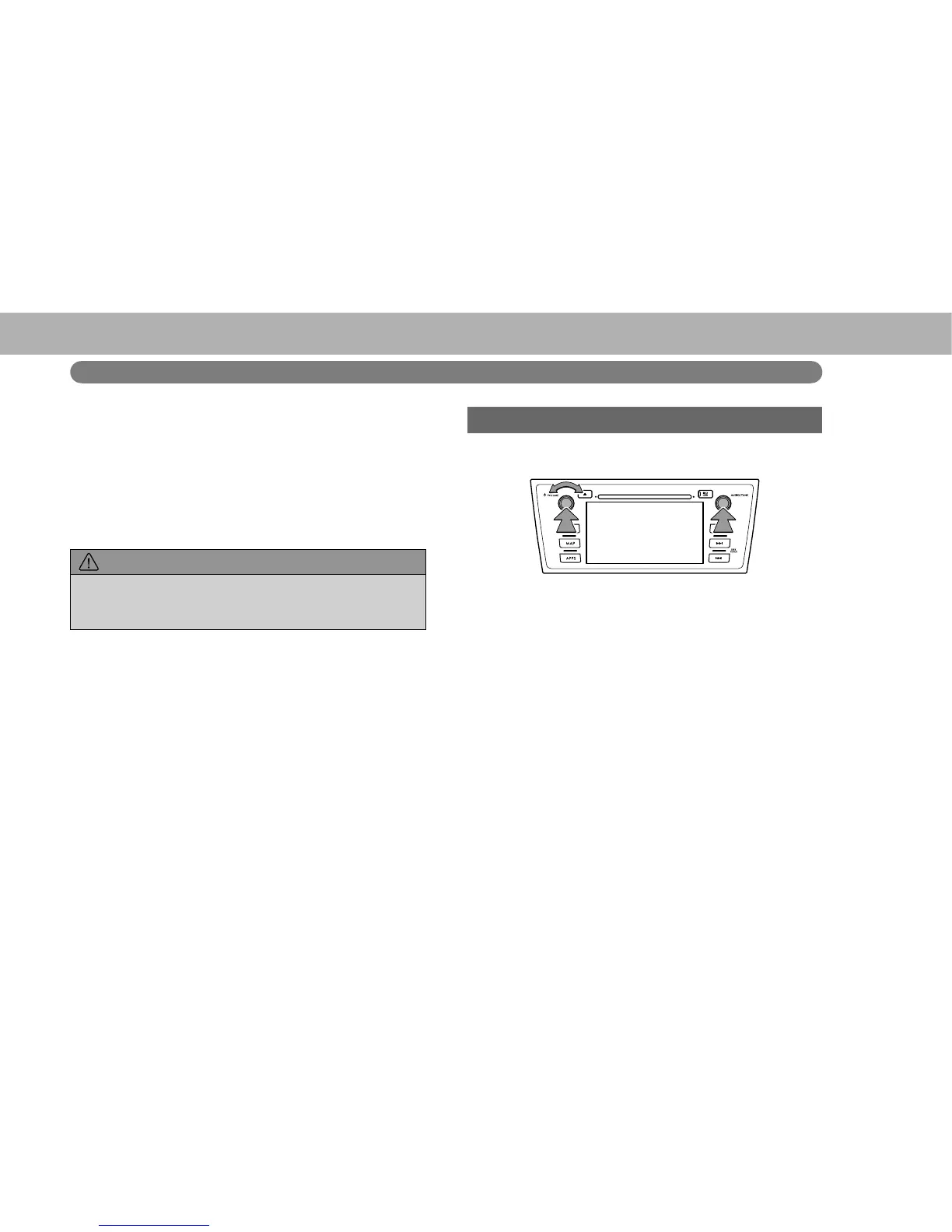
TURNING THE SYSTEM ON AND OFF
“POWER/VOLUME” knob: Press to turn the audio/visual
system on and off. The system turns on in the last mode
used. Turn this knob to adjust the volume.
“AUDIO/TUNE” knob: Press to display screen buttons for
the audio/visual system.
Ɣ A function that enables automatic return to the split
screen from the audio/visual screen can be selected.
ĺ3















 To Next Page