RADIO OPERATION
70
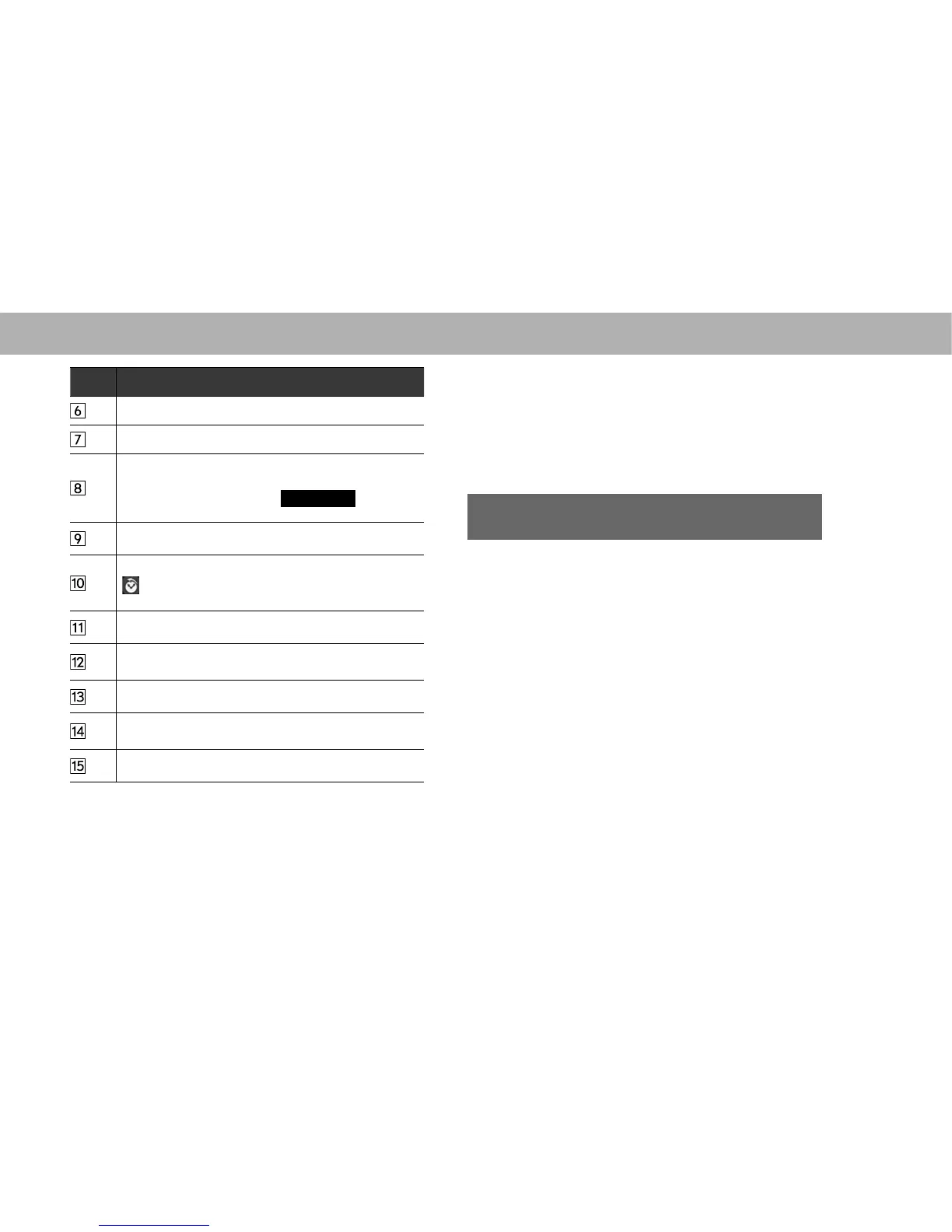
No. Information/Function
6HOHFWWRGLVSOD\WKHVRXQGVHWWLQJVFUHHQĺ3
6HOHFWWRGLVSOD\DOLVWRIFDWHJRULHVĺ3
Select to search subscribed channels by category.
By turning TuneScan Enable ON with channels
registered in Smart Favorites,
Tune Scan
(Tune
6FDQLVGLVSOD\HGĺ3
6HOHFWWRUHFHLYHWDJLQIRUPDWLRQĺ3
Select to tune to a preset channel.
is displayed for channels registered in Smart
Favorites.
6HOHFWWRWXUQWKH6;0)HDWXUHGRQRIIĺ3
Select to show information such as channel name, song
title, and artist name.
6HOHFWWRWXUQWKH7XQH6FDQRQRIIĺ3
Select to display the “Edit Favorites (Edit Favorites)”
VFUHHQĺ3
6HOHFWWRWXUQWKH7XQH6WDUWRQRIIĺ3
NOTE
O If the ignition switch is turned “OFF” and then set to the “ACC”
or “ON” position when listening to an XL channel, broadcasting
from the XL channel will not begin. If so, the SXM001 channel
will be broadcast.
O XL channels may include frequent explicit language or mature
programming.
HOW TO SUBSCRIBE TO SiriusXM
®
Satellite
Radio
To listen to a satellite radio broadcast in the vehicle, a
subscription to the SiriusXM
®
Satellite Radio service is
necessary.
A SiriusXM
®
Satellite Radio is a tuner designed exclusively
to receive broadcasts provided under a separate
subscription. SiriusXM U.S. satellite and data services
are available only in the 48 contiguous USA and DC.
SiriusXM satellite service is also available in Canada; see
www.siriusxm.ca.















 To Next Page