MEDIA OPERATION
81
AUDIO
3
USB MEMORY
$XGLR¿OHVYLGHR¿OHVDQGLPDJH¿OHVRQWKH86%PHPRU\
FDQ EH SOD\HG EDFNYLHZHG ,PDJH ¿OHV FDQ EH YLHZHG DW
WKHVDPHWLPHWKDWDXGLR¿OHVDUHEHLQJSOD\HGEDFN
While driving, video/slideshow will not be displayed. Only
sound will be output.
OVERVIEW
The USB Audio/Video playback screen can be reached by
the following methods:
Ɣ &RQQHFWD86%PHPRU\ĺ3
Ɣ Select
USB (DEVICE NAME)
(USB (DEVICE
NAME)) on the “Select Audio Source (Select Audio
6RXUFH´VFUHHQĺ3
The USB photo playback screen can be reached by the
following method:
Ɣ Select
USB (DEVICE NAME) Photo
(USB (DEVICE
NAME) Photo) on the “INFO (INFO)” screen.
ĺ3
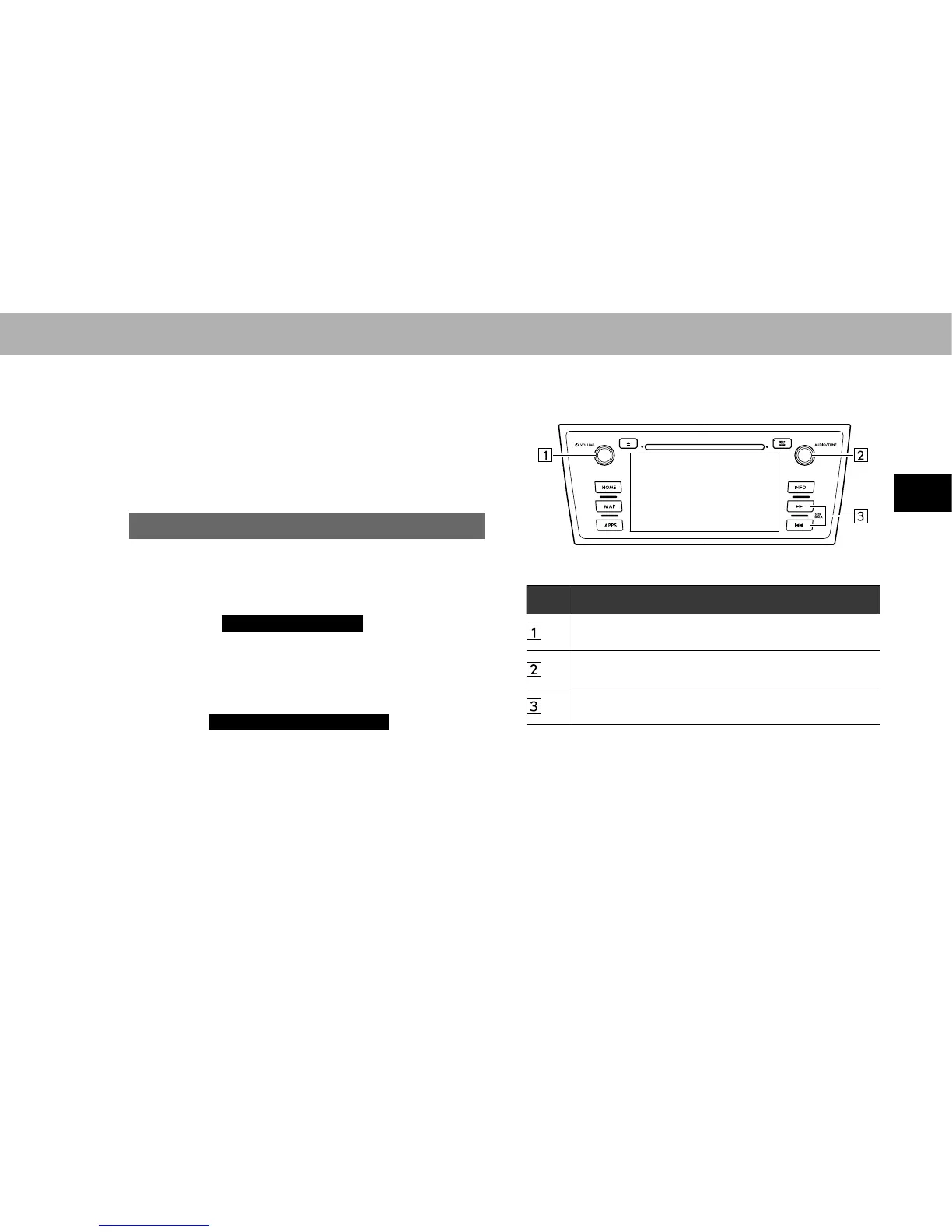
XControl panel
No. Function
Turn to adjust volume.
Press to turn the audio system on/off.
7XUQWRVHOHFWD¿OHWUDFN
Press to select an audio mode.
6HOHFWWRVHOHFWD¿OHWUDFN
Select and hold to fast forward/rewind.















 To Next Page