DESTINATION SEARCH
214
Ɣ You can search by road category as well as road
name. When the same word is included in names
such as the street, road, and main street, by entering
WKH¿UVWFKDUDFWHUIRUWKHW\SHRIURDG\RXFDQTXLFNO\
bring up the search results. For example, if you are
searching for “Pine Avenue” and you enter “Pi A”,
roads such as “Pine Street” or “Pickwick Road” are
not displayed.
Ɣ You can also search by using the ZIP Code. If the ZIP
Code only contains a few characters, you can search
more quickly than when entering the city/town name.
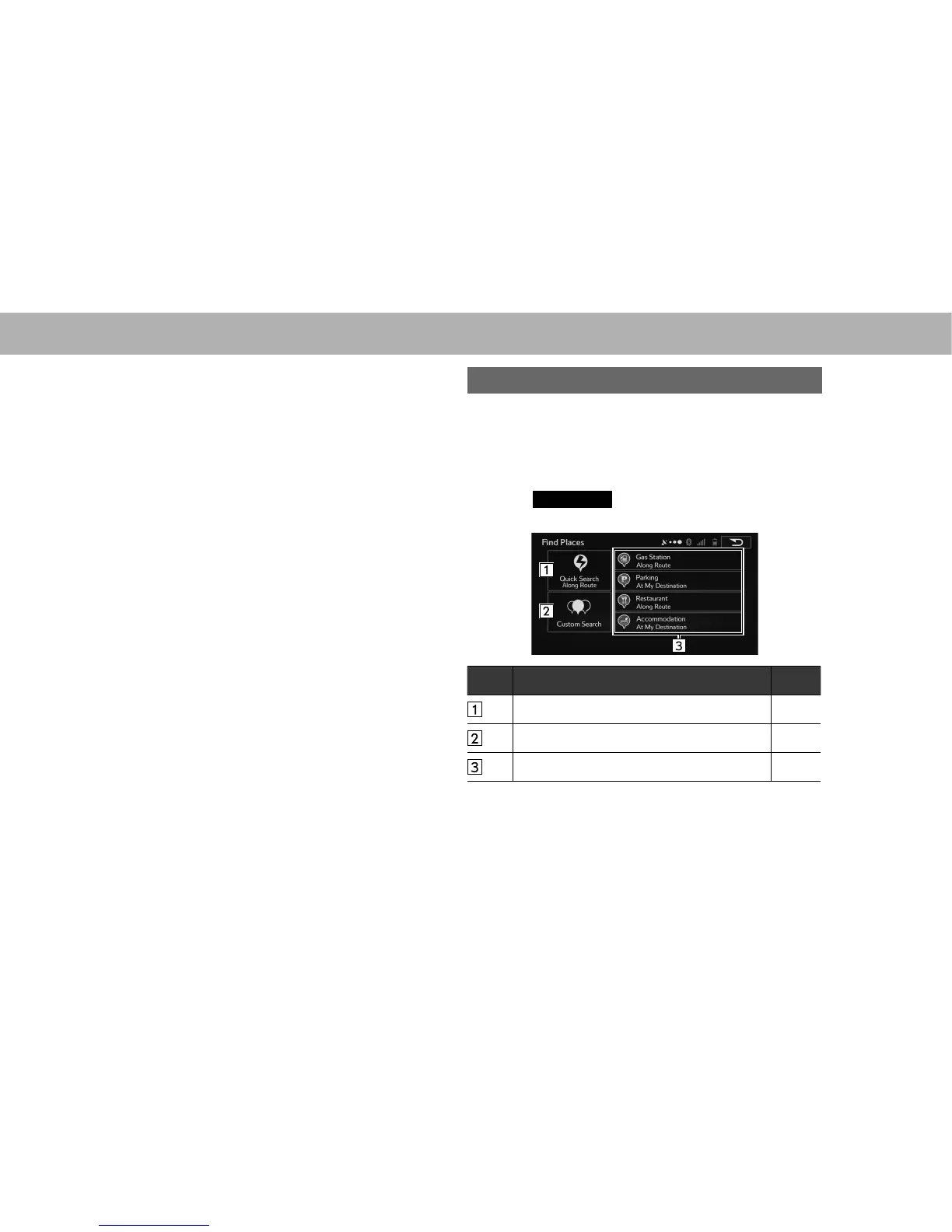
SEARCHING BY FIND PLACES
There are 3 methods to search for a destination by Find
Places.
1. Display the “Destination (Destination)” screen.
ĺ3
2. Select
Find Places
(Find Places).
3. Select the desired search method.
No. Function Page
Select to search by name. 215
Select to search by location. 215
Select to search by preset category. 217















 To Next Page