ROUTE GUIDANCE
226
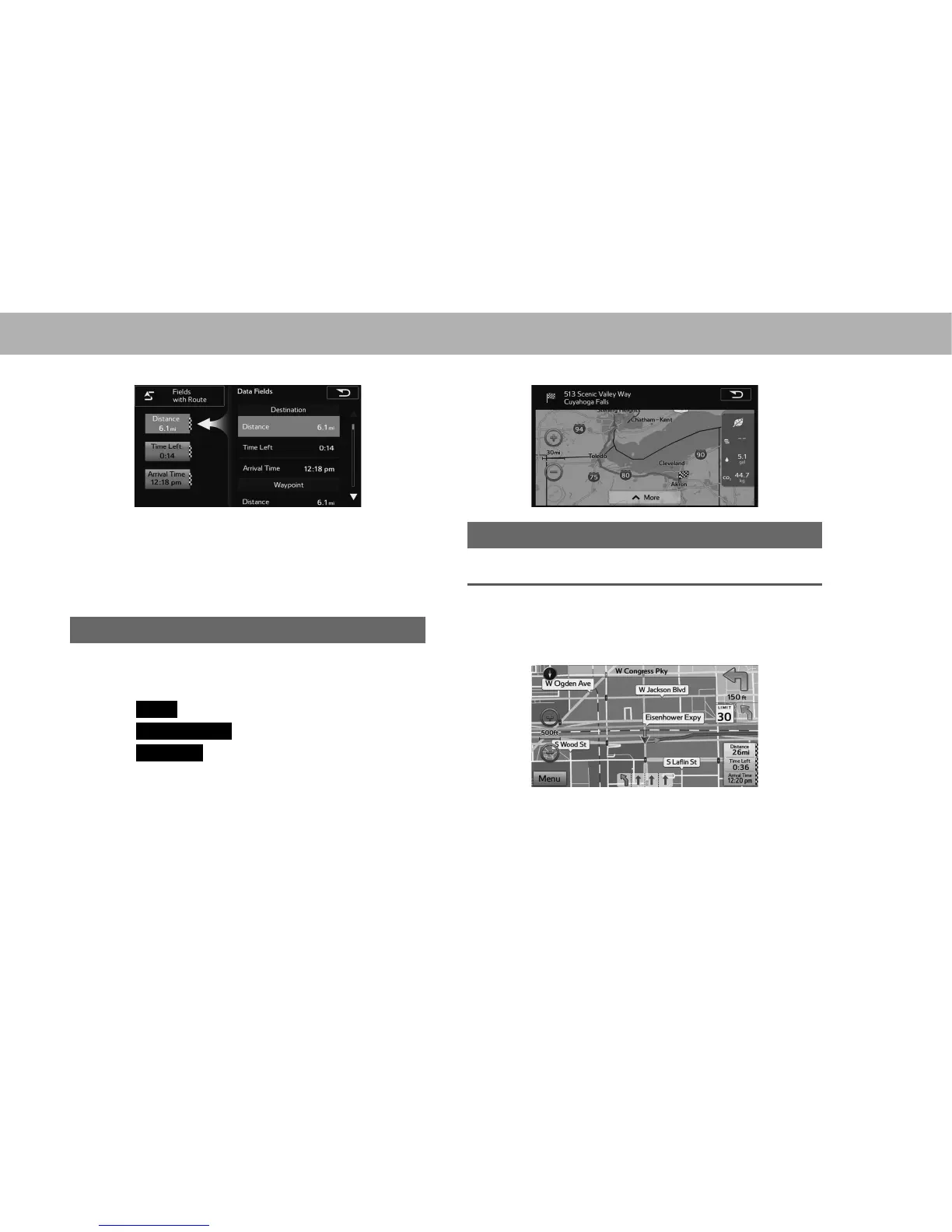
2. Select to display the desired item.
NOTE
O When the vehicle is on the guidance route, the distance
measured along the route is displayed. Travel time and arrival
WLPHDUHFDOFXODWHGEDVHGRQWKHDYHUDJHVSHHGIRUWKHVSHFL¿HG
speed limit.
ROUTE OVERVIEW
The entire route from the current position to the destination
can be displayed during the route guidance.
1. Select
Menu
(Menu) on the map screen.
2. Select
Change Route
(Change Route).
3. Select
Overview
(Overview).
4. Check that the entire route map is displayed.
LANE INFORMATION AND SIGNS
LANE INFORMATION
When lane information is available on the map, the lane and
direction are indicated below the map with small arrows. The
lane that you should drive in is highlighted.















 To Next Page