BASIC OPERATION
59
AUDIO
3
XMirrorLink
TM
1. Select
Screen Format
(Screen Format) on the
application list screen.
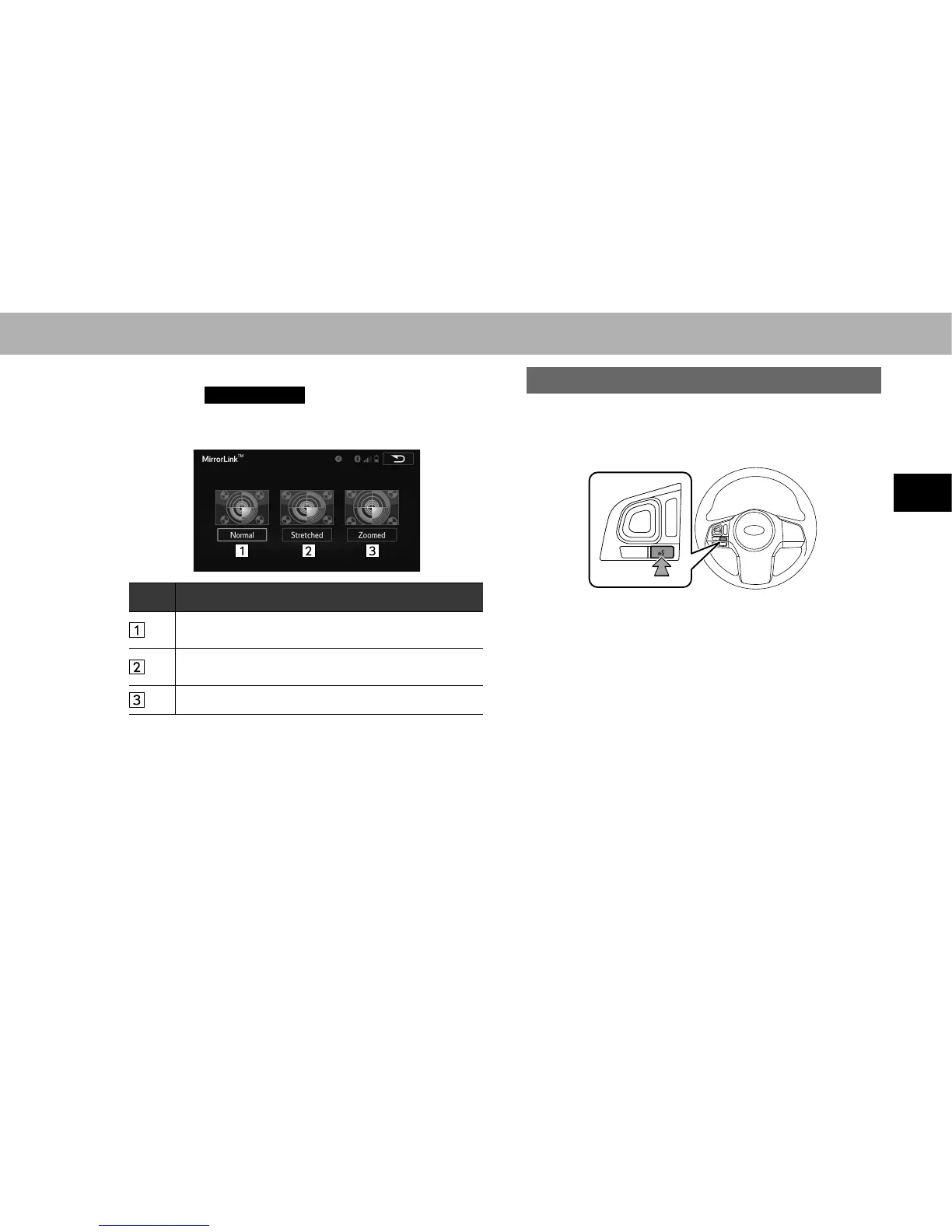
2. Select the desired item to be adjusted.
No. Function
Select to display a screen surrounded by black on all
four sides.
Select to enlarge the image horizontally and vertically to
full screen.
Select to enlarge the image horizontally or vertically.
NOTE
O The brightness, contrast, tone and color of the audio screen can
EHFKDQJHGĺ3
VOICE RECOGNITION SYSTEM
1. Press this switch to operate the voice recognition
system.
Ɣ The voice recognition system and its list of
FRPPDQGVFDQEHRSHUDWHGĺ3















 To Next Page