BASIC FUNCTION
25
1
QUICK GUIDE
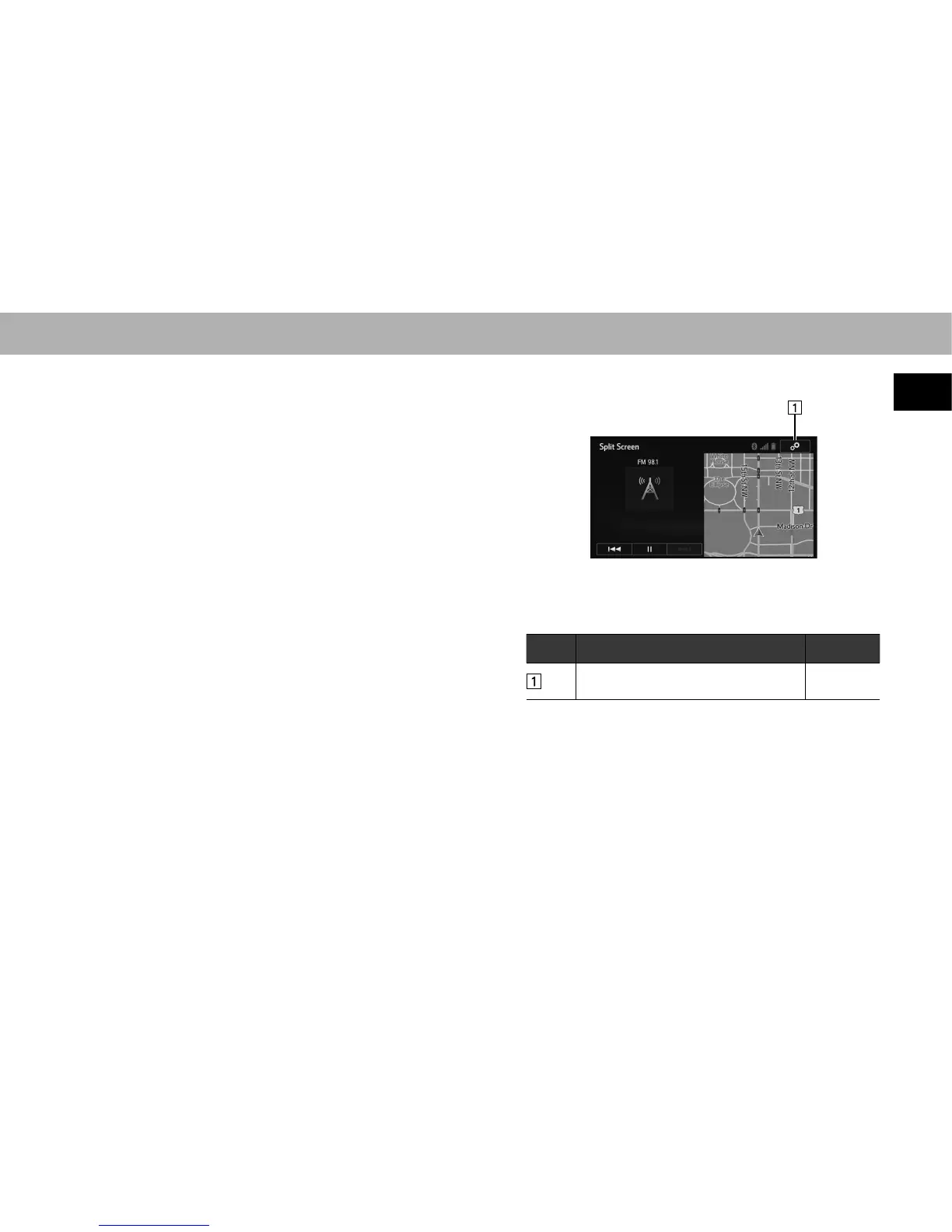
SPLIT SCREEN
Press and hold the “AUDIO/TUNE” knob, to display the
split screen.
The split screen can display two information screens
simultaneously, such as the audio system screen and
hands-free screen or the hands-free screen and navigation*
screen. When hands-free mode is selected, it is possible
to make a call on the home screen if the desired telephone
number is registered to one of the 4 displayed buttons. In
order to register the contact, select and hold the desired
button and register the desired contact by obey displayed
PHVVDJHVRQWKHVFUHHQĺ3
*: With navigation function
When a screen is selected, the selected screen is switched
to a full-screen display. The split screen can be set to a two-
way split screen.
)RUGHWDLOVDERXWVHWWLQJWKHVSOLWVFUHHQĺ3
No. Function Page
Select to display the “Customize Split
Screen (Customize Split Screen)” screen.
48















 To Next Page