BASIC INFORMATION BEFORE OPERATION
49
BASIC FUNCTION
2
Ɣ On certain letter entry screens, letters can be entered
in upper or lower case.
: Select to enter in lower case.
: Select to enter in upper case.
Ɣ .H\ERDUGOD\RXWFDQEHFKDQJHGĺ3
Ɣ The appearance of the keyboard may change or
the input method may be limited depending on
the circumstances where the software keyboard is
displayed.
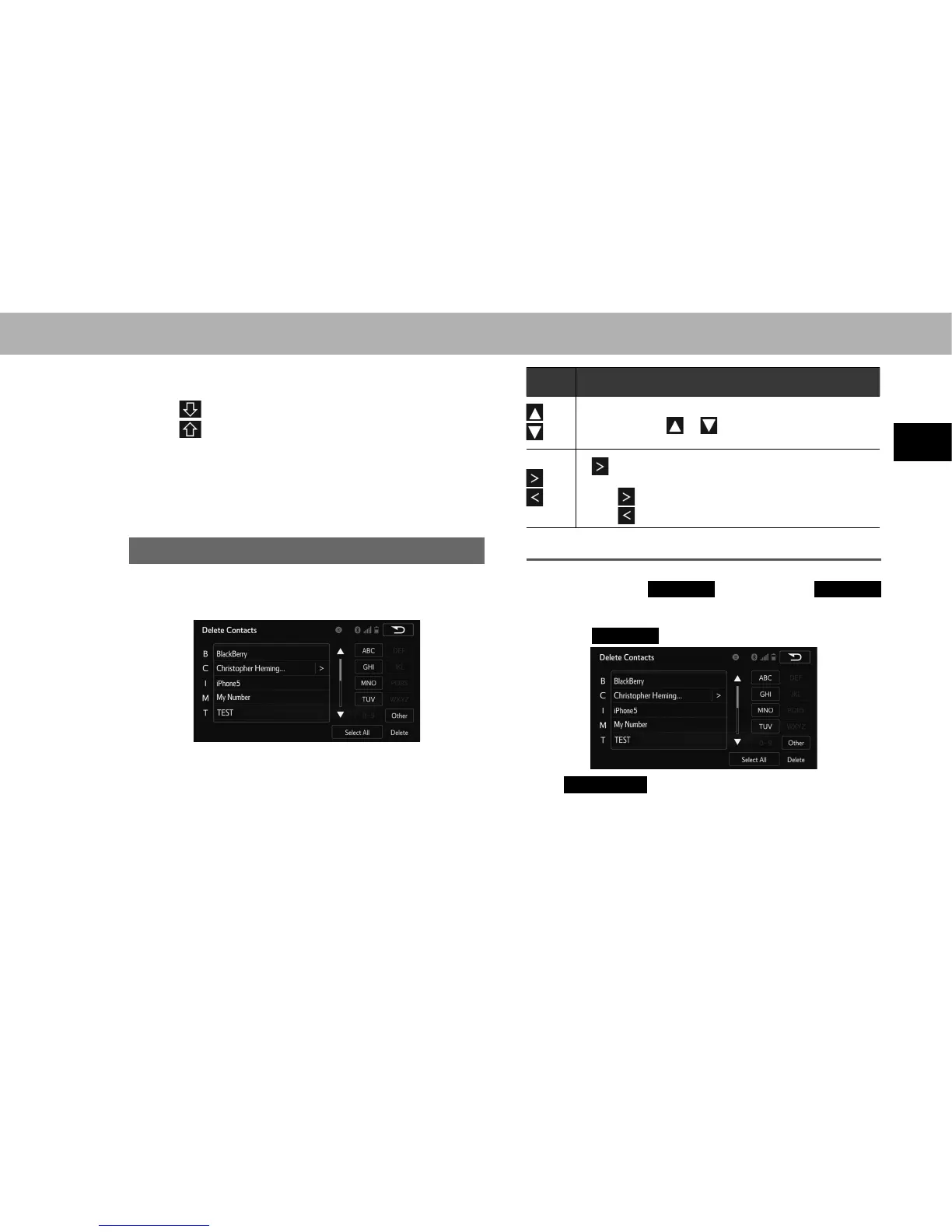
LIST SCREEN OPERATION
When a list is displayed, use the appropriate screen button
to scroll through the list.
Icon Function
Select to skip to the next or previous page.
Select and hold or to scroll through the
displayed list.
If appears to the right of an item name, the
complete name is too long to display.
Select
to scroll to the end of the name.
Select to move to the beginning of the name.
SELECTING ALL ITEMS
Some lists contain
Select All
(Select All). If
Select All
(Select All) is selected, it is possible to select all items.
1. Select
Select All
(Select All).
Ɣ
Unselect All
(Unselect All): Unselect all items in the
list.















 To Next Page