BASIC INFORMATION BEFORE OPERATION
50
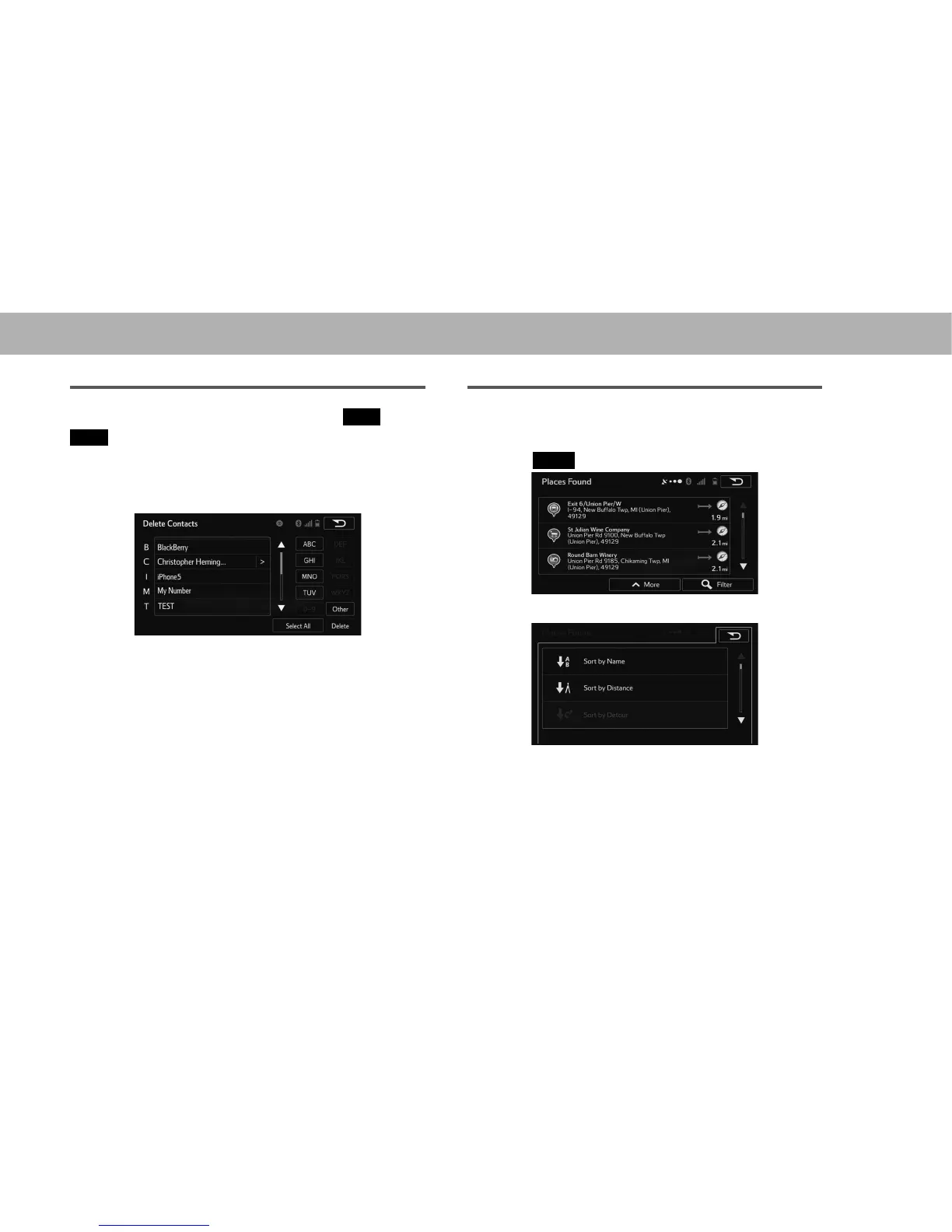
CHARACTER JUMP BUTTONS IN LISTS
Some lists contain character screen buttons,
ABC
(ABC),
DEF
(DEF) etc., which allow a direct jump to list entries
that begin with the same letter as the character screen
button.
1. Select the desired character jump buttons.
NOTE
O Every time the same character screen button is selected, the list
starting with the subsequent character is displayed.
SORTING (WITH NAVIGATION FUNCTION)
The order of a list displayed on the screen can be sorted in
the order of name, distance, detour, etc.
1. Select
More
(More).
2. Select the desired sorting criteria.















 To Next Page