PHONE OPERATION (HANDS-FREE SYSTEM FOR CELLULAR PHONES)
123
PHONE
4
BY OFF HOOK SWITCH
Calls can be made using the latest call history item.
1. Press the switch on the steering wheel to display
the phone top screen.
2. Press the switch on the steering wheel to display
the “Call History (Call History)” screen.
3. Press the switch on the steering wheel to call the
latest history item.
4. Check that the “Call (Call)” screen is displayed.
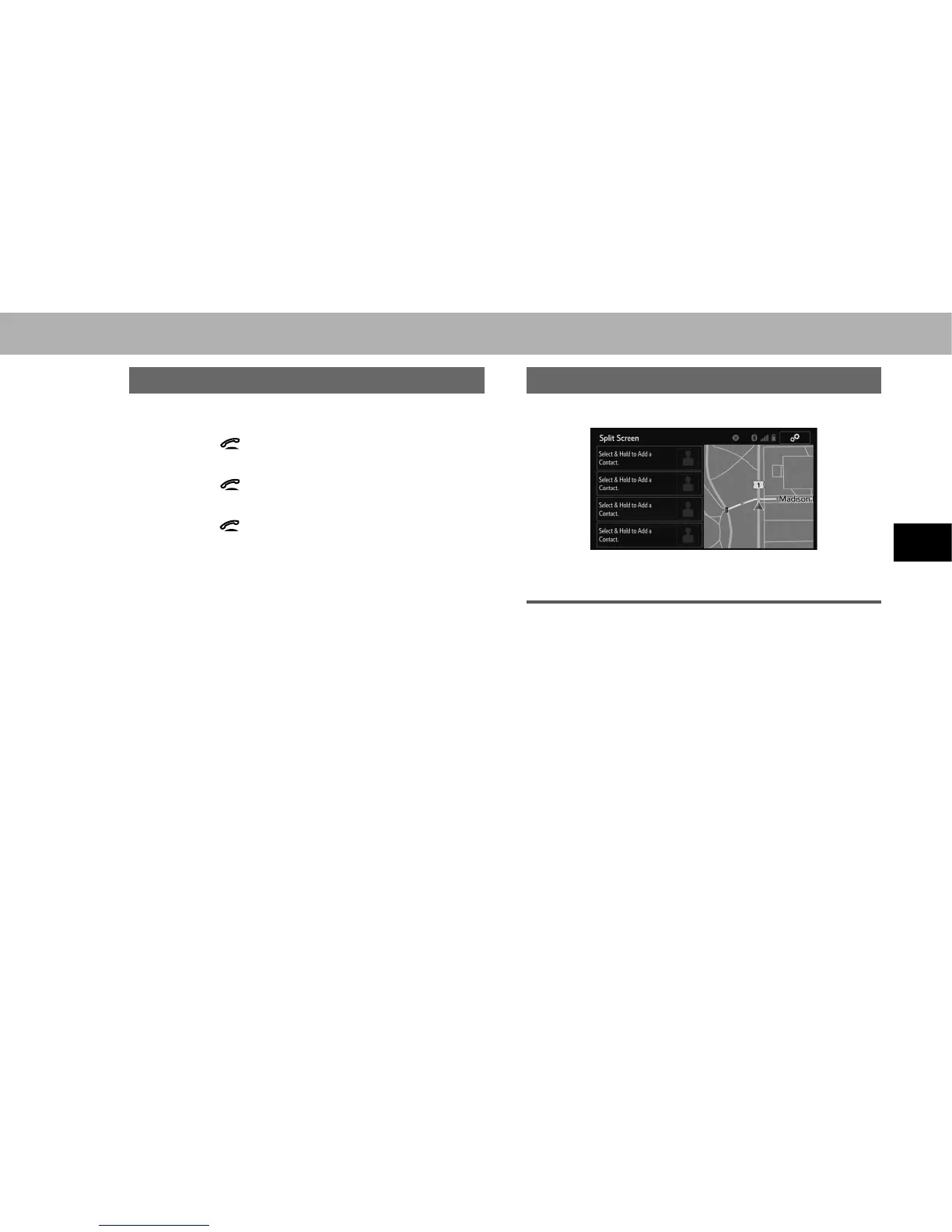
BY SPLIT SCREEN
1. 'LVSOD\WKHVSOLWVFUHHQĺ3
2. Select the desired contact.
REGISTERING A NEW CONTACT
1. Select and hold the screen button to add a contact.
2. Select the desired contact.
3. Select the desired number.















 To Next Page