PHONE OPERATION (HANDS-FREE SYSTEM FOR CELLULAR PHONES)
116
NOTE
O Keep call volume down. Otherwise, the other party’s voice
may be audible outside the vehicle and voice echo may
increase. When talking on the phone, speak clearly towards the
microphone.
O The other party may not hear you clearly when:
'ULYLQJRQDQXQSDYHGURDG0DNLQJH[FHVVLYHWUDI¿FQRLVH
Driving at high speeds.
Driving with a window open.
When air from the ventilator blows directly toward the
microphone.
The sound of the air conditioning fan is loud.
There is a negative effect on sound quality due to the phone
and/or network being used.
REGISTERING/CONNECTING A Bluetooth
PHONE
To use the hands-free system for cellular phones, it is
necessary to register a cellular phone with the system.
ĺ3
Bluetooth PHONE CONDITION DISPLAY
The condition of the Bluetooth phone appears on the upper
ULJKWVLGHRIWKHVFUHHQĺ3
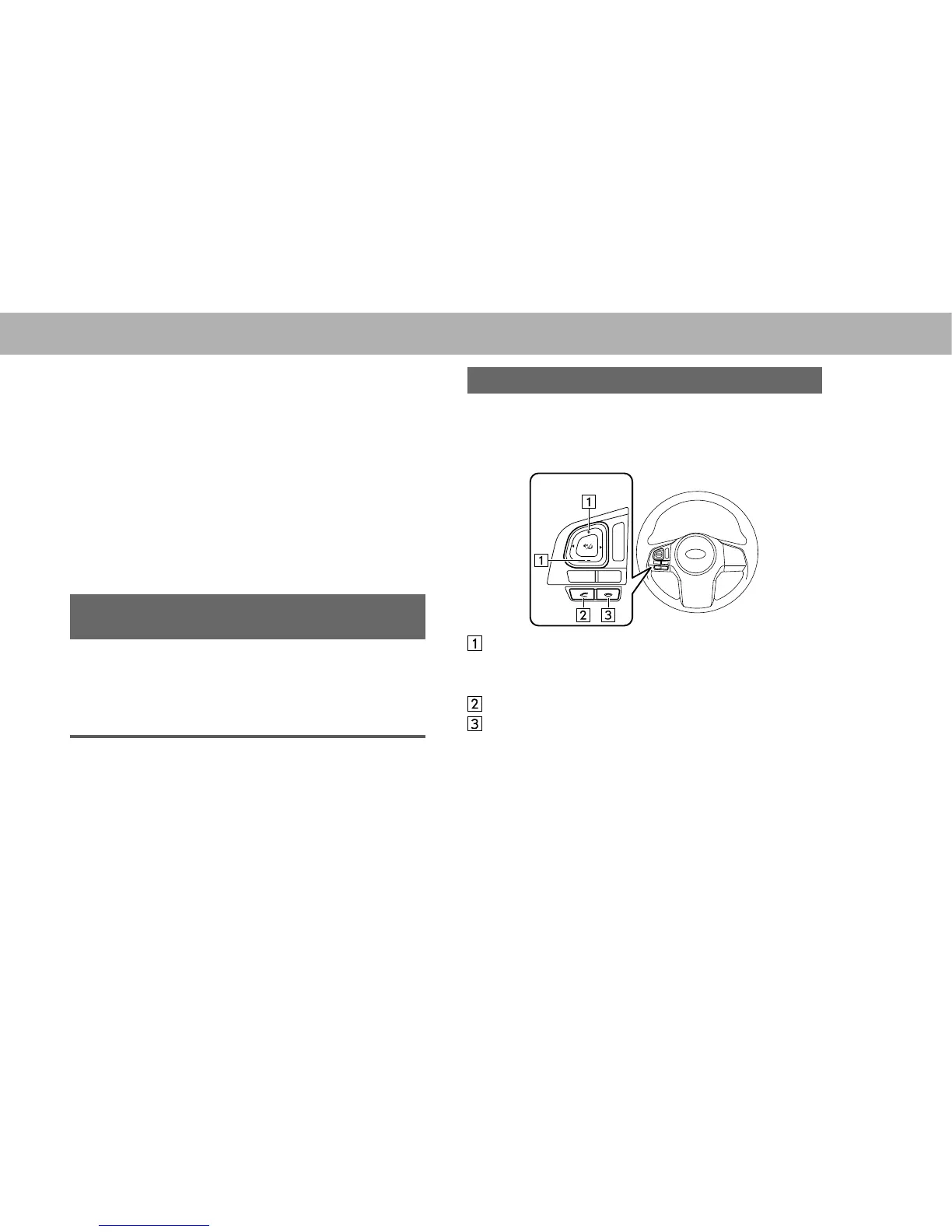
USING THE PHONE SWITCH/MICROPHONE
XSteering switch
By pressing the phone switch, a call can be received or
ended without taking your hands off the steering wheel.
Volume control switch
Ɣ Press the “+” side to increase the volume.
Ɣ Press the “-” side to decrease the volume.
Off hook switch
On hook switch















 To Next Page