MEMORY POINTS
237
NAVIGATION SYSTEM
8
MEMORY POINTS
MEMORY POINTS SETTINGS
Home and preset destinations can be set as memory points.
The registered points can be used as the destinations.
ĺ3
SETTING UP HOME
If home has been registered, that information can be
recalled by selecting
Go Home
(Go Home) on the
³'HVWLQDWLRQ'HVWLQDWLRQ´VFUHHQĺ3
REGISTERING HOME
1. Select
More
(More) on the map screen.
Ɣ You can also register home by touching
and
then selecting
More
(More) on the displayed place
information screen.
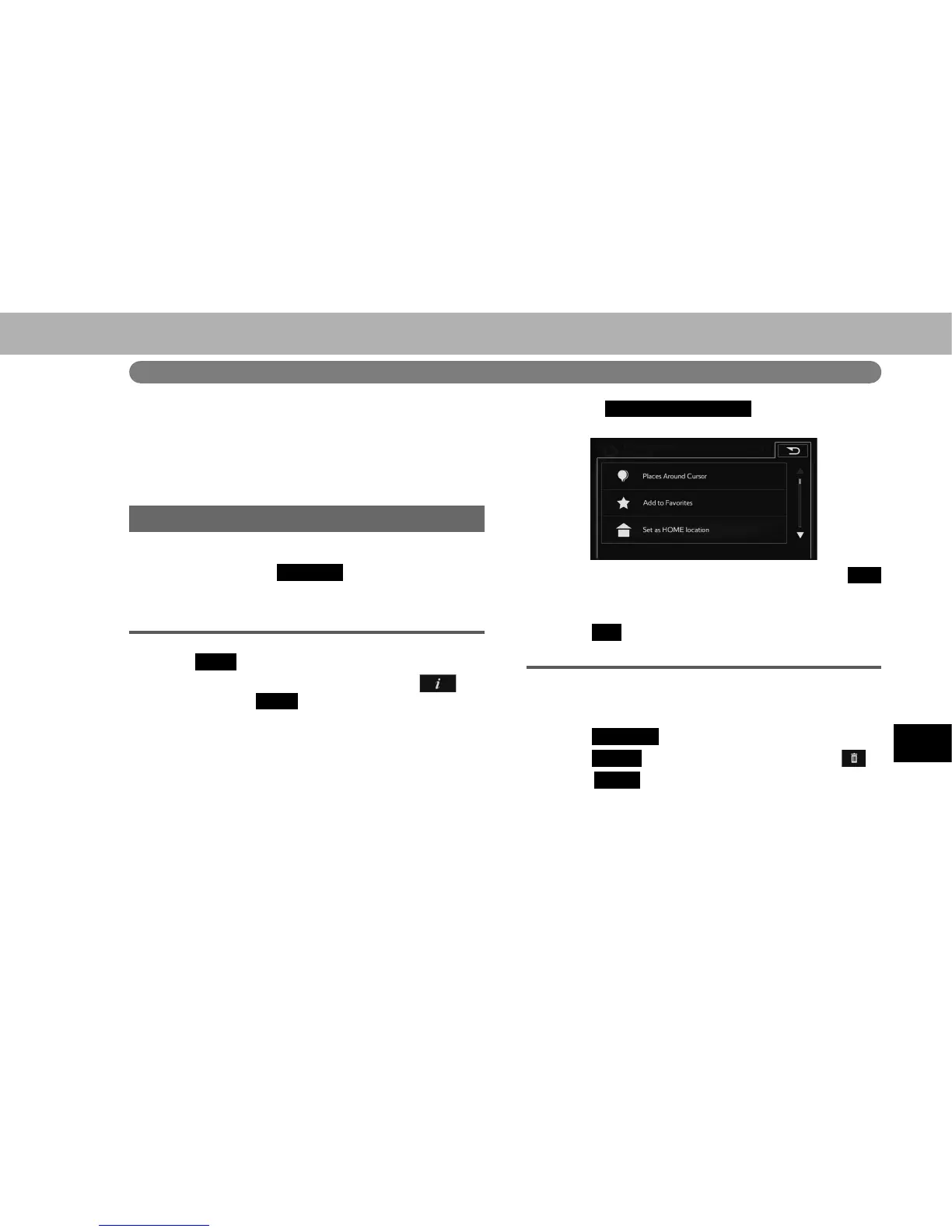
2. Select
Set as HOME location
(Set as HOME
location).
Ɣ If home has already been registered, select
Yes
<HV ZKHQ WKH RYHUZULWH FRQ¿UPDWLRQ VFUHHQ
appears.
3. Select
OK
(OK).
DELETING HOME
1. Display the “Destination (Destination)” screen.
ĺ3
2. Select
Favorites
(Favorites).
3. Select
HOME
(HOME) from the list, then select
.
4. Select
Delete
'HOHWH ZKHQ WKH FRQ¿UPDWLRQ VFUHHQ
appears.















 To Next Page