BASIC FUNCTION
22
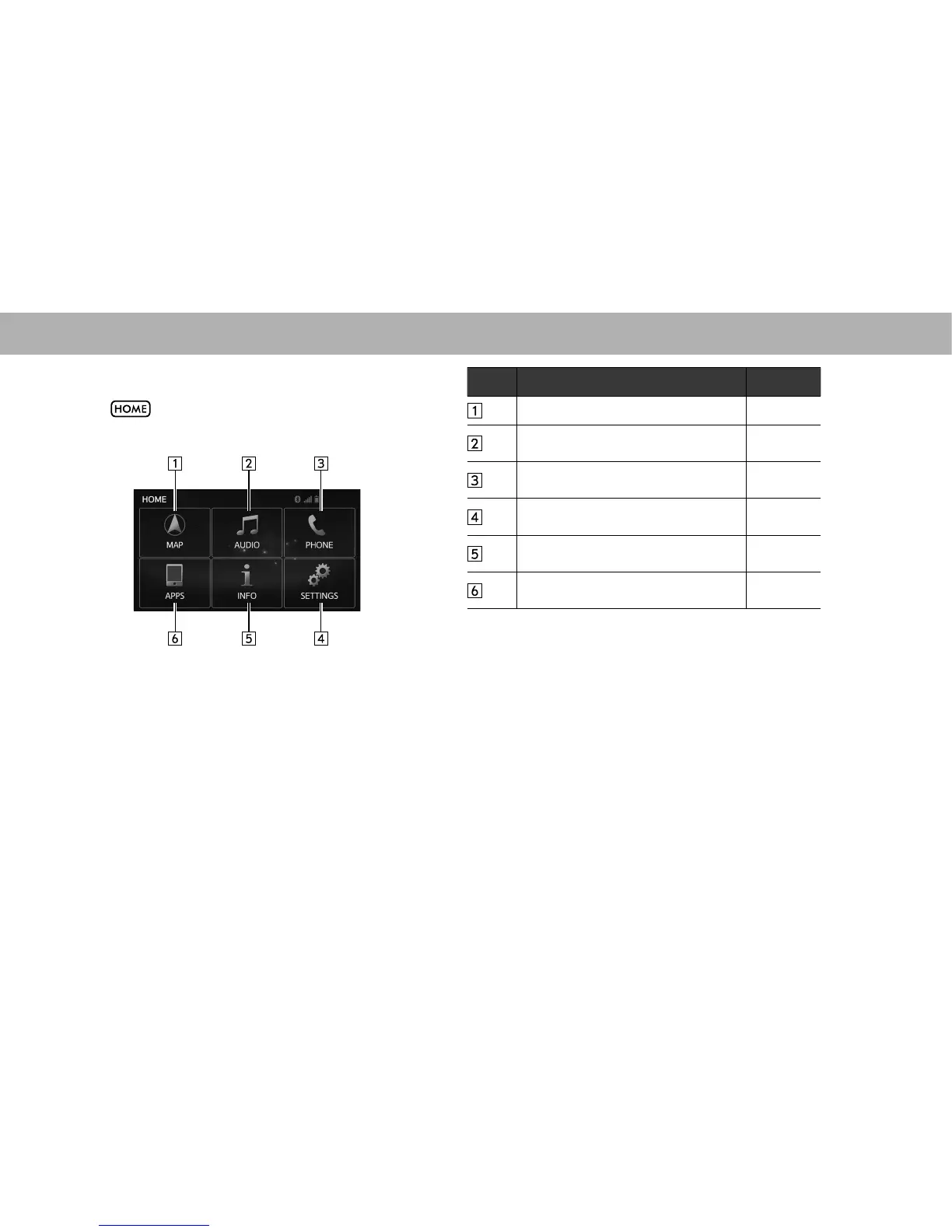
“HOME (HOME)” SCREEN
Select to display the “HOME (HOME)” screen.
No. Function Page
*
Select to display the map screen. 200
Select to display the audio control
screen.
55
Select to display the hands-free operation
screen.
114
Select to display the “SETTINGS
(SETTINGS)” screen.
28
Select to display the “INFO (INFO)”
screen.
24
Select to display the “APPS (APPS)”
screen.
23
*: With navigation function















 To Next Page